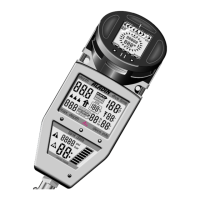
V Logbook
55
V
2 Selection and Activation
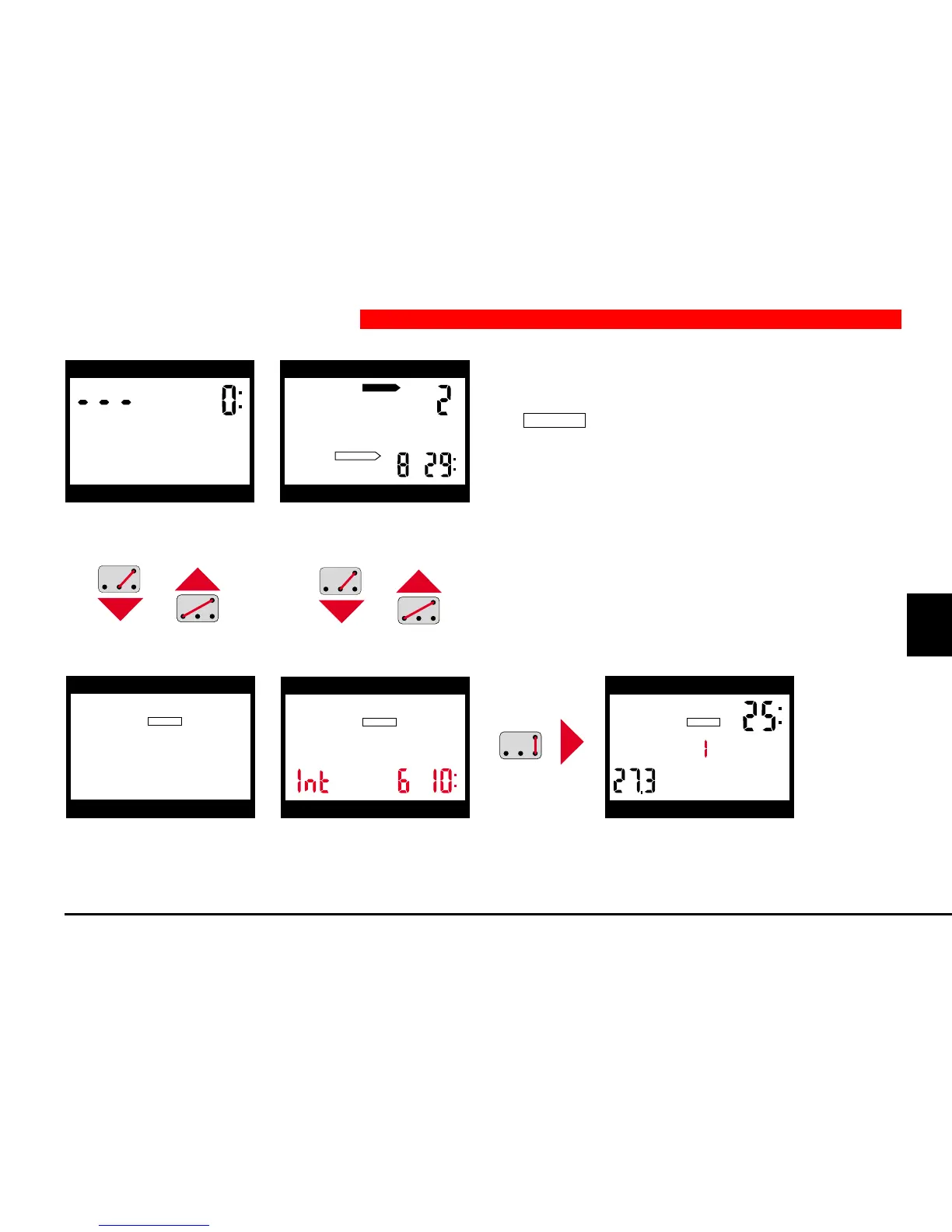
1. The logbook is selected by bridging contacts B and
+ in ready-mode or surface-mode. Indication
LOGBOOK
appears. If Aladin
®
Pro has been in
surface-mode before, the surface interval appears
as well. You go back into ready-mode or surface-
mode by B and –.
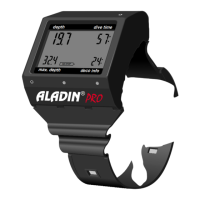
2. In order to activate the logbook, bridge contacts
B and E. The most recent dive is displayed
(DIVE 1).
depth dive time
max. depth deco info
h
h
DO NOT FLY
DESATURATION
depth dive time
max. depth deco info
LOGBOOK
depth dive time
max. depth deco info
h
depth dive time
max. depth deco info
LOGBOOK


 To Next Page