66
VI Dive Planner
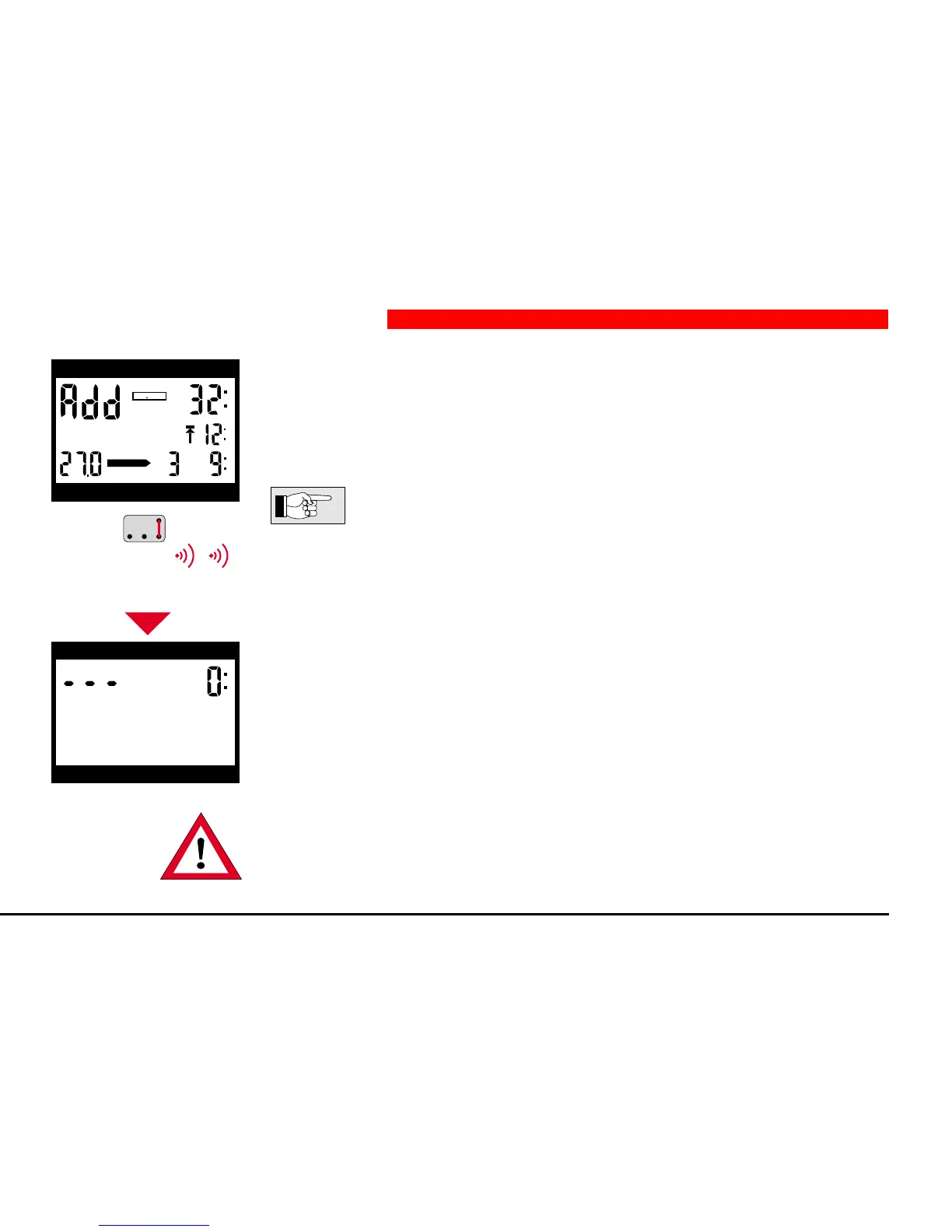
If the contacts B and E are touched for about 3 seconds, Aladin
®
Pro returns to
ready-mode or surface-mode. This also occurs three minutes after the activation
of the dive-plan-mode.
On a short touch of contacts B and E the Aladin
®
Pro switches back
to scrolling the no-stop times.
In order to completely leave the dive-plan-mode, B and E must be
bridged for a longer period and 2 bleeps have to be awaited.
If two or more divers plan a dive, planning has to be based on the dive
computer that shows the shorter no-stop times or the longer decompression
times.
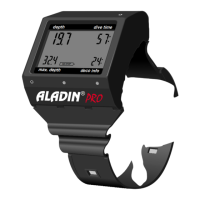
6 Leaving the Dive-Plan-Mode
m
depth dive time
max. depth deco info
DECOSTOP
DIVEPLAN
3 s
depth dive time
max. depth deco info
or after 3 minutes


 To Next Page