III Diving with Aladin
®
Pro
30
3 Preparation for the Dive
Basically, Aladin
®
Pro need not be switched on manually. When submerged in
water, the contacts are bridged by the water and the dive computer switches into
dive-mode directly.
It is advisable to check the functions immediately before the dive in the diving
location:
1 Switching on Aladin
®
Pro manually.
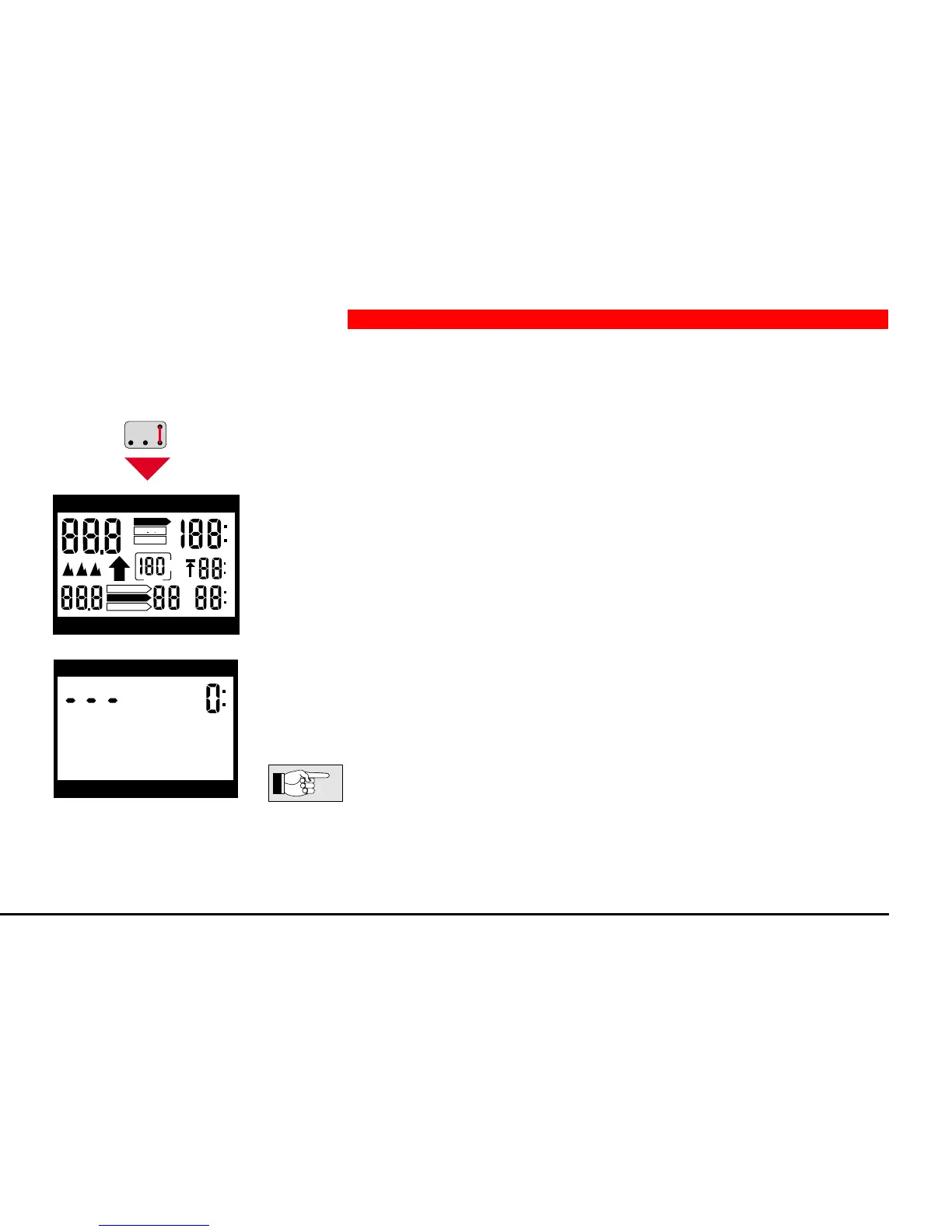
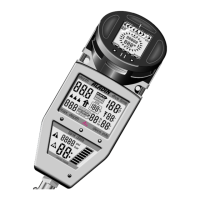
Bridge contacts B and E with moistened fingers. Check test display: Are all displays
lit?
2 The Aladin
®
Pro is now in ready-mode.
After three minutes without operation or submerging in water, Aladin
®
Pro switches
off the display. It need not be switched on again. It switches on automatically on
submerging in water and activates the dive-mode as soon as a depth of more
than 2 feet is reached. The display of the depth may appear a little delayed.
In extremely pure freshwater, it may occur that automatic activation
of dive-mode does not work. On descending Aladin
®
Pro responds to
the increase in pressure and switches into —> dive-mode. There may
be a delay of up to 1 minute.
h
h
m
ft
NO STOP
DO NOT FLY
DESATURATION
S
L
O
W
DIVEPLAN
LOGBOOK
DIVE
SPEED
%
depth dive time
max. depth deco info
DECOSTOP
depth dive time
max. depth deco info


 To Next Page