IX Appendix
77
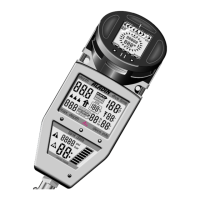
– There are borings in two of the contacts for the reception of the PC-interface
connections. Free these borings from dirt with a needle if necessary.
– Take the dive computer to an authorized retailer in order to change the batteries.
The actual change of the batteries is made at the manufacturer’s or the
importer’s. The computer is checked for its technical functioning at the same
time.
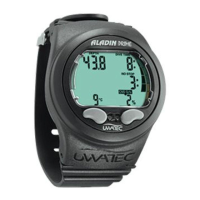
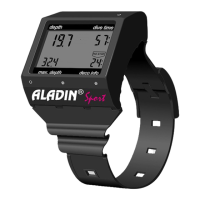
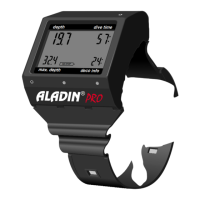
If you follow these recommendations, you will enjoy a reliable Aladin
®
Pro for a long time.
1 Maintenance of Aladin
®
Pro Dive Computer


 To Next Page