85 86
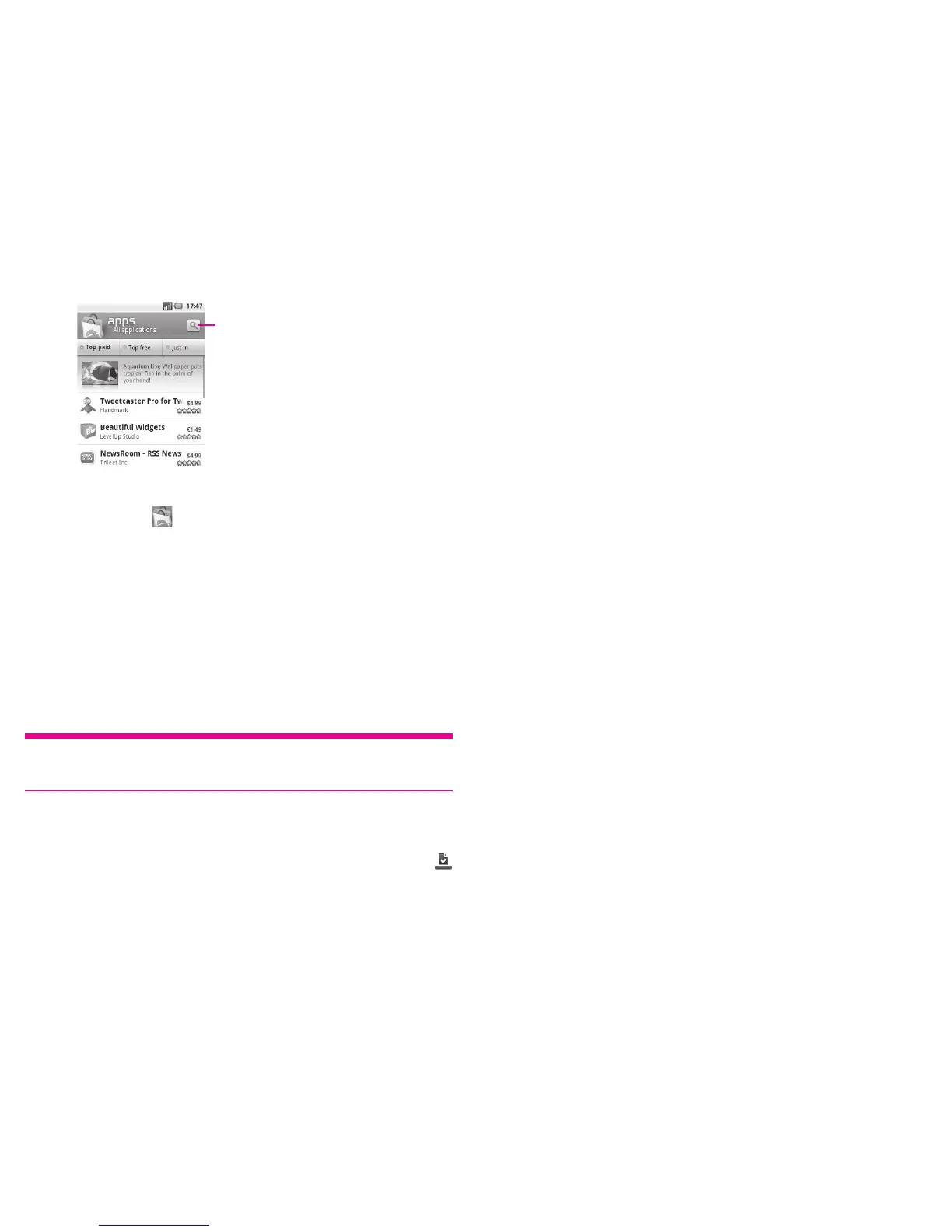
Touch to search in Android market.
To return to Android Market Home screen, do one of the following:
Touch the Market icon
▪ to the top left of the screen.
Press
▪ Menu key to display options list, then touch Home.
Download and install7.2
To download & install:
Navigate to the item you want to download, and select to enter the details
▪
screen from which you can read its overall rating or comments, view developer’s
information, etc.
Press
▪ Menu key and touch Security to preview the functions and data the
application can access on your phone if you install it.
Touch
▪ Install.
Tip: Be especially cautious with applications that have access to many functions or
to a significant amount of your data. Once you touch OK to continue, you are
responsible for the results of using this item on your phone.
To check the progress of the download, open the Notification panel. To stop the ▪
downloading of the item, touch the progress bar and Cancel download on the
screen that opens.
After download and installation have finished, you will see a notification icon
▪
on the status bar.
To open the application you have downloaded:
On Android Market screen, touch
▪ Downloads.
Touch the installed application in the list, then touch
▪ Open.
To buy an application
On Android Market, some applications are labeled as free, while some of them are to
be paid for before downloading and installing.
Touch the application you want to buy.
▪
Touch ▪ Buy on the bottom of the screen.
When making your first purchase, you are prompted to log in to Google Checkout
▪
payment and billing service.
If your Google Checkout account has multiple credit card accounts, select one to
▪
proceed.
Select the Terms of service link and read the document. When finished, press
▪
Back key.
Mark the check box if you agree with the terms of service.
▪
Touch Buy now at the bottom of the screen. ▪
When finished, Android downloads the application.
To request a refund
If you are not satisfied with the application, you can ask for a refund within 24 hours
of the purchase. Your credit card will not be charged and the application will be
removed. If you change your mind, you can install the application again, but you will
not be able to request a refund.












 To Next Page