97 98
Watch videos8.3.1
Touch a video to play it.
Touch video playing screen to display playback controls with which you can pause,
skip forward or backward, or drag the progress bar to the point you want to watch.
To exit video playing screen, press Back key to return to video list.
Music 8.4
Using this menu, you can play music files stored on the MicroSD card in your phone.
Music files can be downloaded from computer to MicroSD card using a USB cable.
To access this function, touch Application tab from Home screen, then touch
Music.
You will find four libraries in which all songs are classified: Artists, Albums, Songs,
and Playlists. Touch a category and view the list.
With the help of Search key, you can easily search for songs you want to play in
libraries.
To delete a song, press Menu key from playback screen and then touch Delete to
remove it from the MicroSD card.
You can also set a song as a ringtone, press Menu key from playback screen to
display option menu, then touch Use as ringtone.
Playing music8.4.1
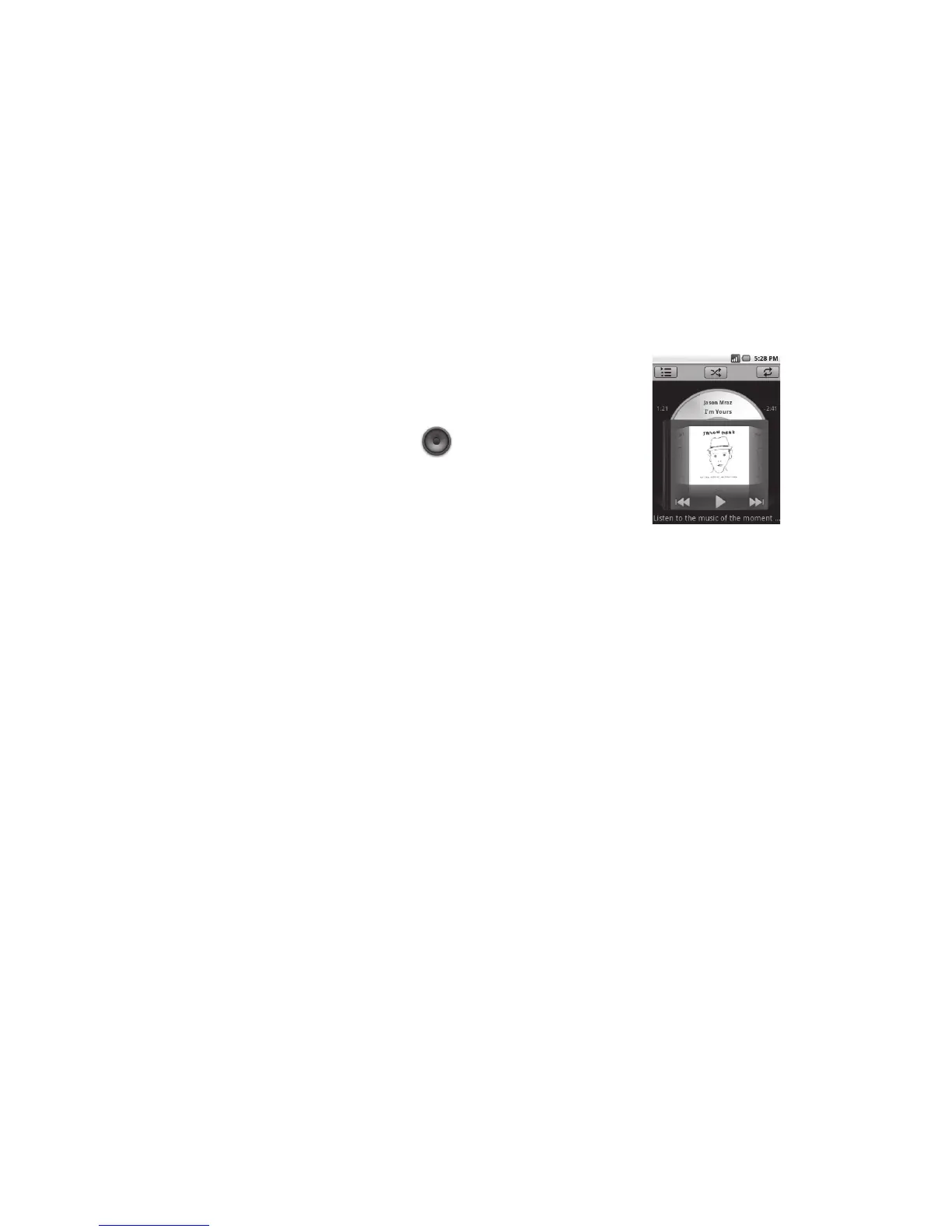
From any of the four library screens, touch a song to play it back.
Touch to play the current playlist in shuffle mode (tracks are played in random order).
Touch to open the current playlist.
Touch to toggle repeat mode: Don't repeat, Repeat the playlist, or Repeat the current track.
Touch and hold to search for more information.
Slide left or right to switch track.
Touch to skip to the next track in the album, playlist, or shuffle.
Touch to pause/resume playback.
Touch to skip to the previous track in the album, playlist, or shuffle.
View lyrics
Adjust volume
To adjust the volume, you can press Volume up and Volume down key.
Using Party shuffle8.4.2
All songs will be displayed in order by default. When Party shuffle is activated, some
songs will be selected and played at random. Press Menu key, then touch Party
shuffle to turn on this function. To turn it off, press Menu key again, then touch Party
shuffle off.












 To Next Page