103 104
Get driving, public transport or walking directions9.4
Get suggested routes for your trip9.4.1
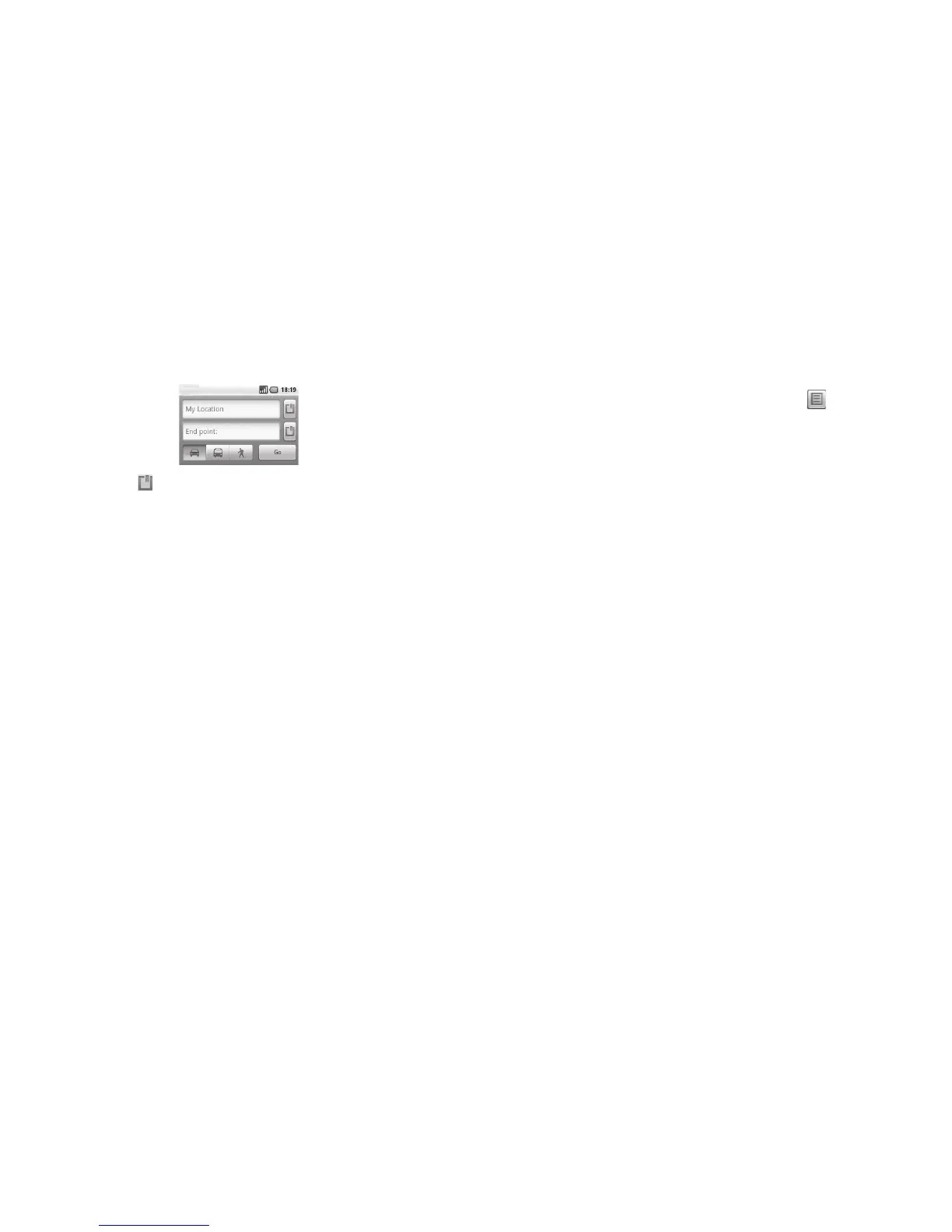
Press ▪ Menu key from maps screen and touch Directions.
Touch enter bar or ▪ to edit your start point by one of the following methods:
entering an address, using My Location, selecting a start point on a map, selecting
a starred item, selecting an address from your contacts or using search history.
Do likewise for your end point.
▪
To reverse directions, press ▪ Menu key and touch Reverse Start & End.
Then select a transport mode: driving by car, using public transport, or walking
▪
directions.
Finally touch
▪ Go.
A couple of suggested routes will appear in a list. Touch any routes to view their
▪
respective detailed directions.
To get reverse directions for a route you’ve already made, simply open that route’s
directions window and select Reverse. No need to enter your start point and end
point again.
Preview suggested routes and decide on a route more 9.4.2
preferable or feasible to you
You can preview each turn in your route in Navigation, Satellite, and other views.
Touch a left or right arrow to preview the next or previous leg of your route.
▪
You can view turn-by-turn directions in a list by touching ▪ , press Back key to
return to previous view.
When selecting a more preferable or feasible route, distance and time will be the
two most important factors for your evaluation. Distance and estimated time will be
displayed at the top of the directions screen.
Search for locations along your route9.4.3
Please refer to section 9.2 for detailed information.
View route progress and calculate estimated arrival time9.4.4
To view your route progress, pinpoint My Location, zoom out until the whole route
goes into one screen, with both finished and unfinished miles in sight.
Start another Directions screen based on your current and intended destination
locations. Estimated arrival time will be shown in the results. Please note that the
estimated arrival time is not available for the public transport mode.












 To Next Page