12
3.3 3G/4G button
The 3G/4G button is located at the upper right corner
of the keyboard. Different durations of pressing enable
the corresponding operations.
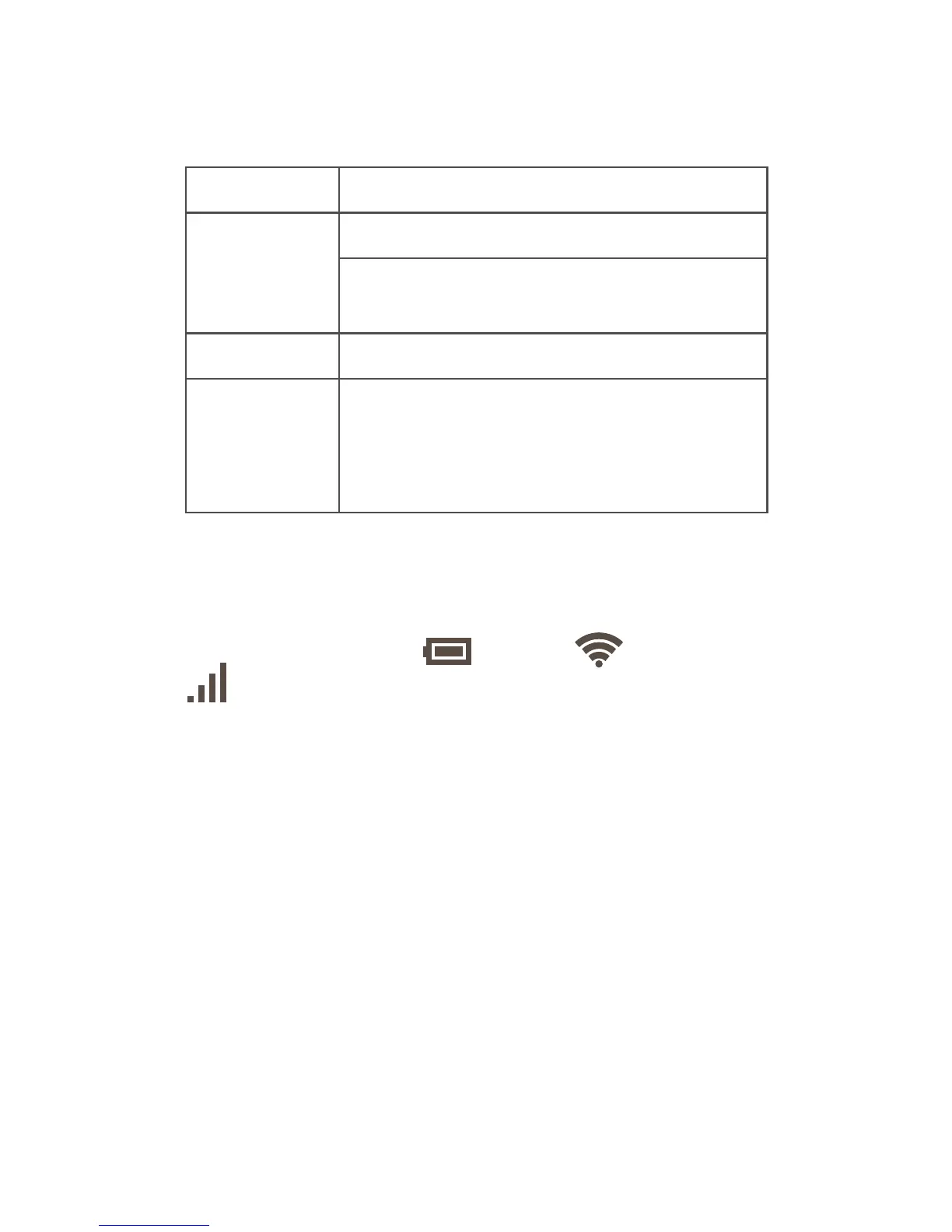
Duration Operation
Short press
Start up the keyboard.
Wake up the Wi-Fi hotspot when it
goes dormant.
2s Shut down the keyboard.
8s Forcibly restore the factory settings
of the keyboard. After all the
indicators blink green three times,
the restoration is complete.
3.4 Keyboard indicators
You can learn about the keyboard's status by
checking the power ( ), Wi-Fi ( ), and data (
) indicators.
Power indicator
Always red Battery lower than 20%
Blinks red
with 1s
intermittence
Battery lower than 20% and
charging
Blinks green
with 1s
intermittence
Battery higher than 20% and
charging
Off Full battery
Always green Keyboard started up












 To Next Page