14
3.5 Keyboard setup
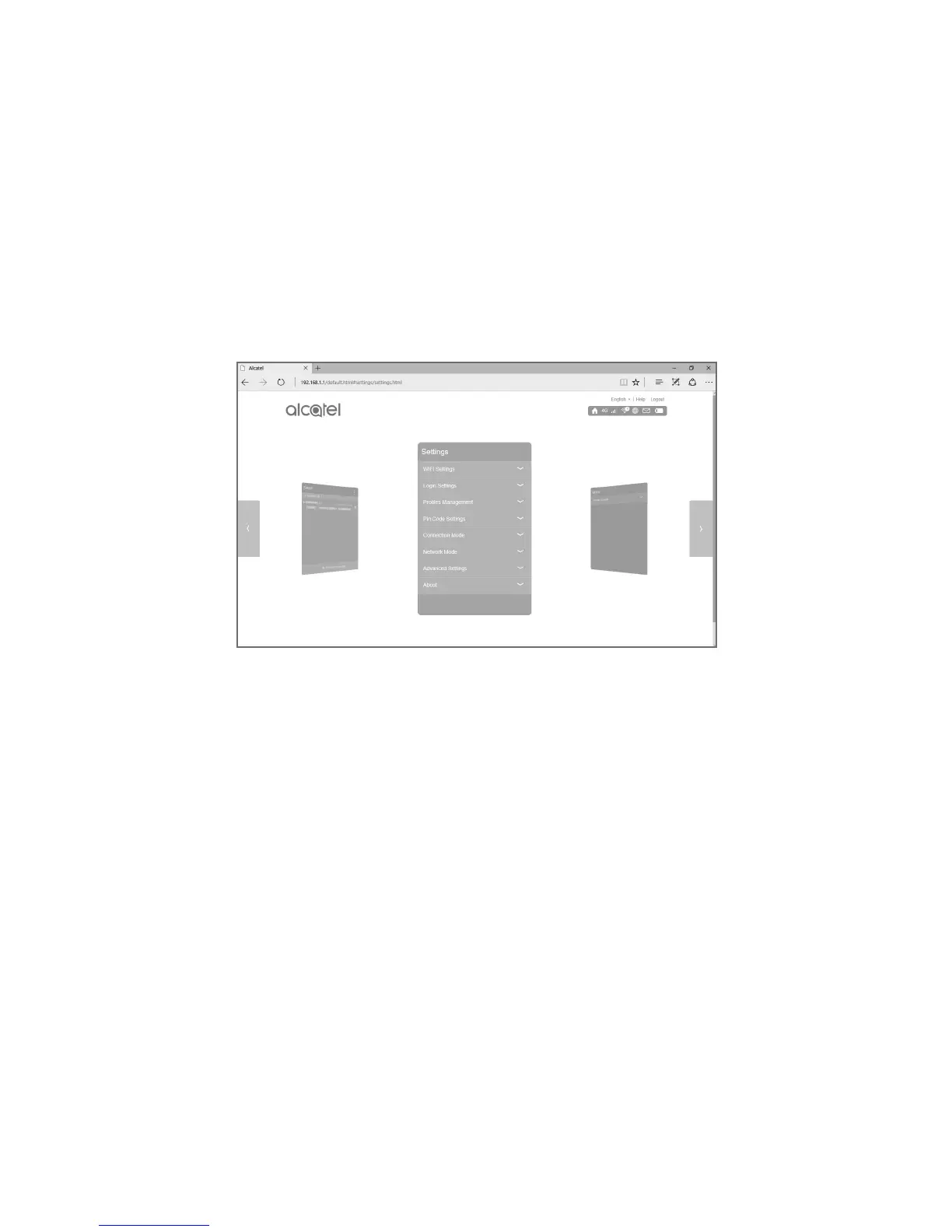
After your tablet is connected to the keyboard hotspot,
you can set up your keyboard using the Web UI.
• Open the browser, enter "192.168.1.1" or "plus10.
home" in the address bar and confirm.
• On the page that appears, enter the default
password "admin" to log in to the Web UI.
• From here you can alter settings for your SIM
card, data usage, SMS, online updates, and other
keyboard features.











 To Previous Page