37 38
You can also insert new texts if preferred
• Touch where you want to type, or long press a blank
space, the cursor will blink and the tab will show.
Drag the tab to move the cursor.
• If you have cut or copied any text, touch the tab to
show Paste which allows you to paste any text you
have previously copied.
3
Daily Board
3.1 How to launch Daily Board
• Charge the device to launch Daily Board.
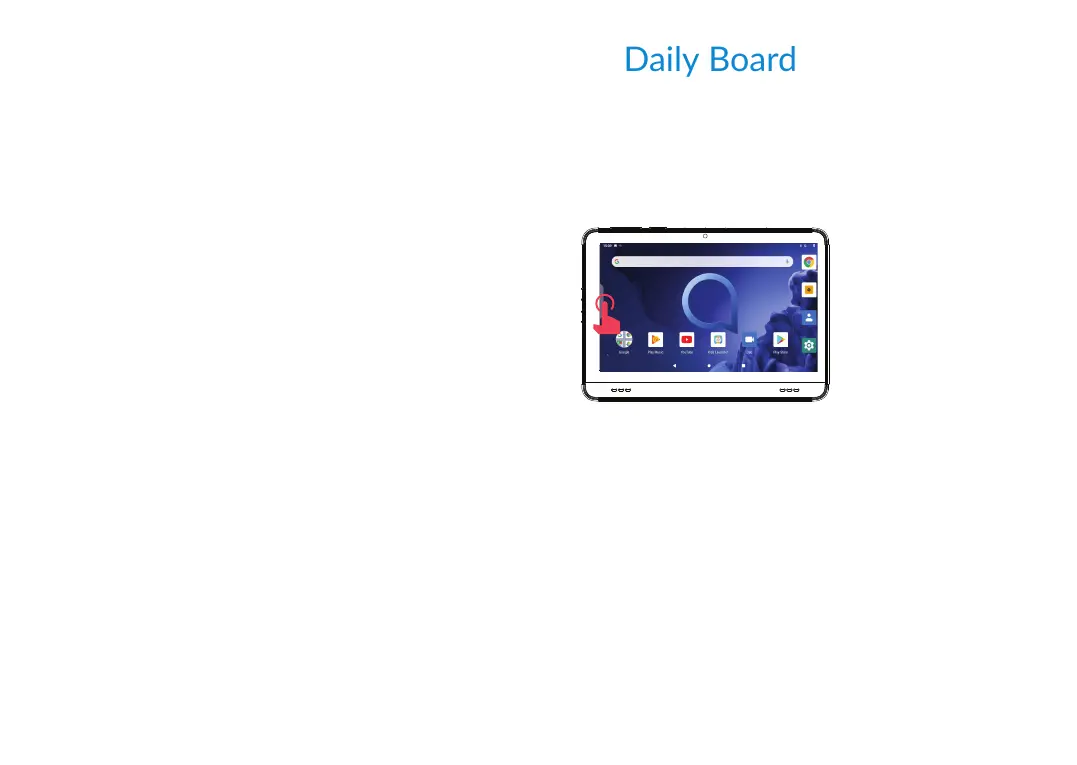
• Touch sidebar to open daily board.
3.2 What Daily Board Shows:
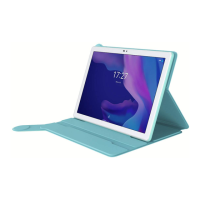
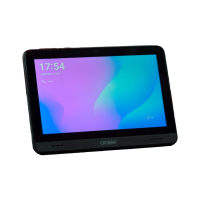
1. Shows the time and the date.
2. Shows a news widget.
3. Shows the battery charge percentage and charging
icon.
4. Shows The Google Assistant setup icon 'Try "Ok
Google"'; if you haven't set it up yet, touch to set up
The Google Assistant.













 To Next Page