45 46
4.3.7 Synchronising contacts in multiple
accounts
Contacts, data or other information can be synchronised
from multiple accounts, depending on the applications
installed on your tablet.
To add an account, touch
from the contacts list and
touch Settings > Accounts > Add account, or from the
Home screen, slide up, then Settings > Accounts > Add
account.
You are required to select the kind of account you are
adding, like Google, Corporate, etc.
As with other account setups, you need to enter
detailed information, like username, password, etc.
You can remove an account and all associated
information from the tablet. Touch the account you
want to delete . Touch REMOVE ACCOUNT.
Auto-sync
On the Accounts screen, touch the Automatically
sync data toggle. When activated, all changes to
information on the tablet or online will be automatically
synchronised with each other.
5
Calendar, Clock, and
Calculator ..................................
5.1 Calendar ....................................................
You can use Calendar to keep track of important
meetings, appointments, etc.
To view the calendar and create events, slide up from
the Home screen, then touch Calendar.
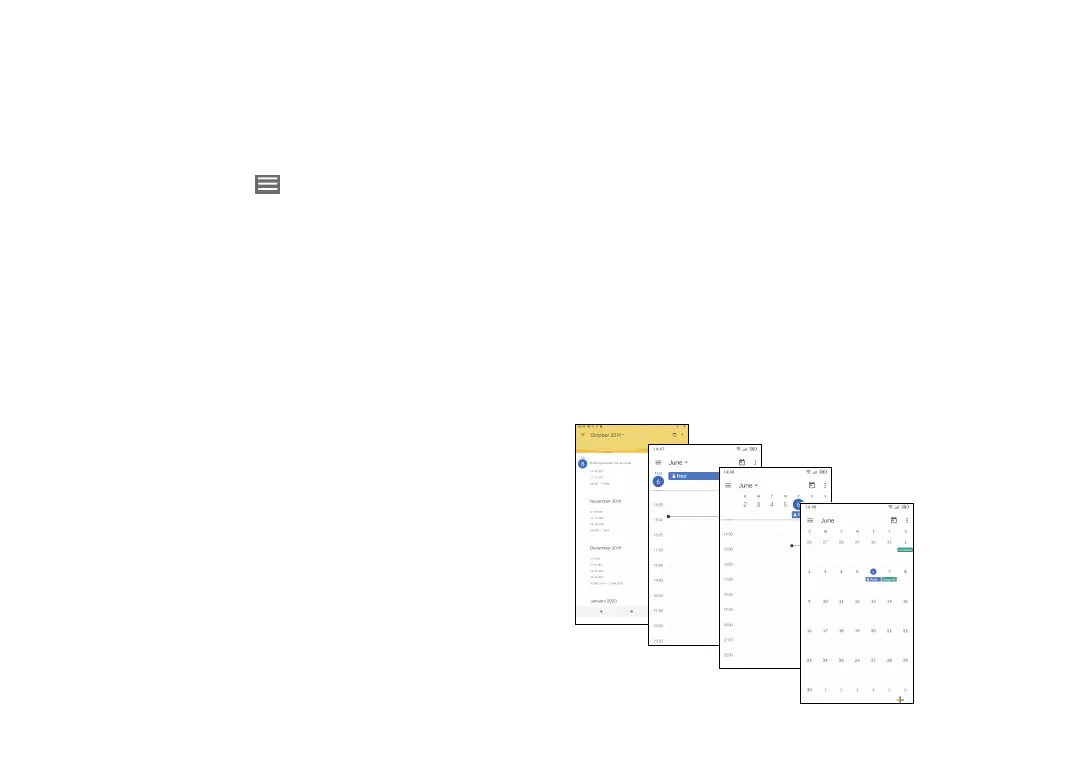
5.1.1 Multimode view
You can display the Calendar by Schedule, Day, Week,
or Month.
Day view
Schedule view
Week view
Month view













 To Next Page