26
A-Link
The A-Link encoders allow you to freely assign commonly used
parameters for quick and easy access. The two A-Link
encoders can have up to three sets of assignments, which are
accessed using the A-Link Bank buttons. Only one bank can
be active at a time.
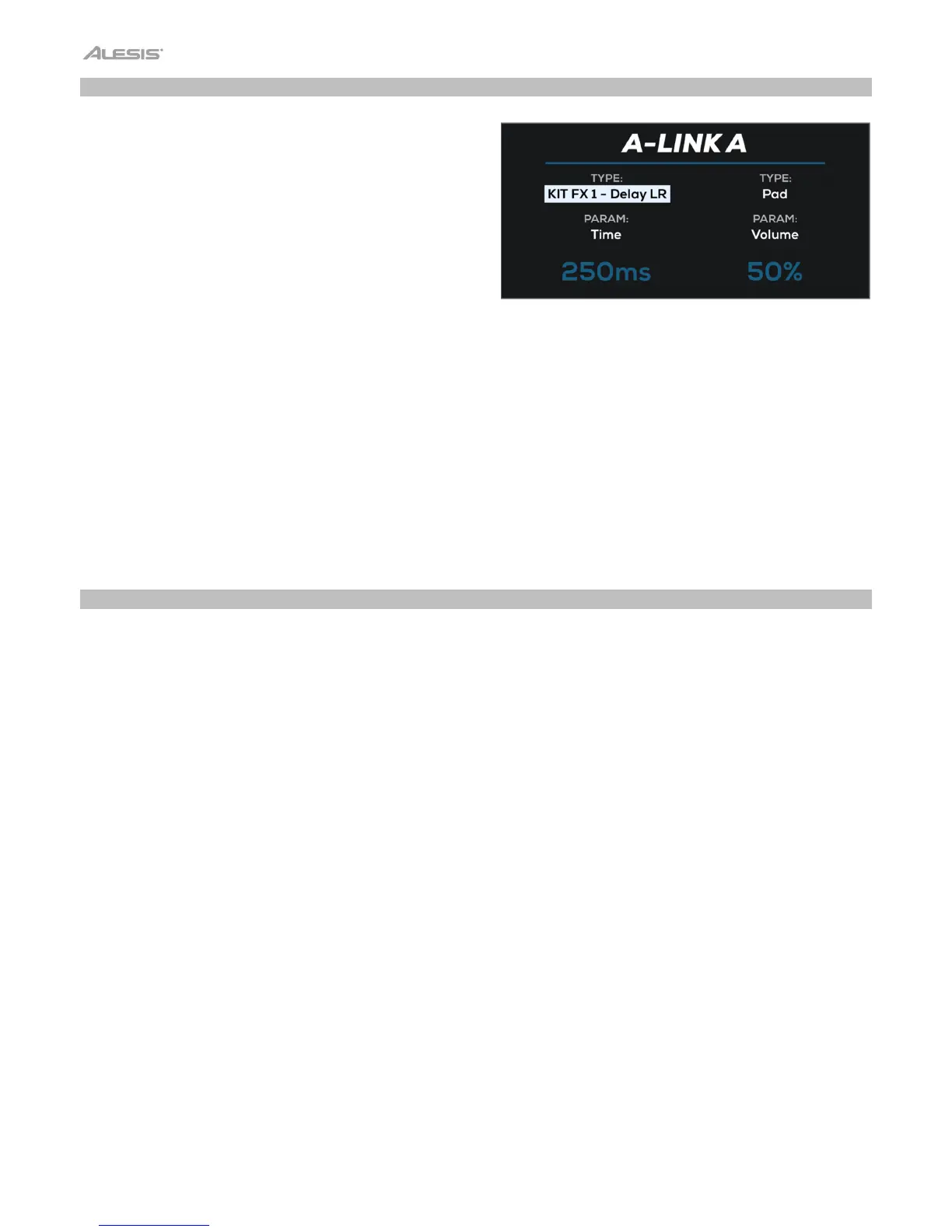
Pressing an A-Link Bank button or turning an A-Link encoder
will show a temporary popup on the display indicating the
current parameters and their values.
To edit the A-Link assignments:
1. Press and hold one of the A-Link Bank buttons (A, B or C). The bank button will flash, and the A-Link window will
appear on the display.
2. Use the Main Encoder to highlight the Type for A-Link Encoder 1 or 2, and press it to select.
3. Use the Main Encoder to select the desired A-Link type, MFX, FX1–3, PAD-Wave A, PAD-Wave B or PAD-Output,
and press it to select.
4. Use the Main Encoder to highlight the Param field for A-Link Encoder 1 or 2 and press it to select.
5. Use the Main Encoder to select the desired parameter.
A-Link assignments can be saved with the kit. See Menus > Utility Menu > Backup
for more on saving kits.
Pad Cue
Pad Cue allows you to audition sounds directly to the Headphone Outputs. This is useful for previewing sounds without
playing them out to your audience.
Additionally, when Pad Cue is active, you can use the Main Encoder to select any pad, trigger or footswitch. This is useful
for editing parameters on triggers or footswitches that may not be currently connected to your Strike Multipad.
To enable Pad Cue, press the Pad Cue button. While enabled:
• The Pad Cue button and F1–F5 buttons will flash, and the Pad Cue window will appear on the display.
• Any sound playing to the Main or Aux Outputs prior to enabling Pad Cue will continue to play. Any sounds
triggered after enabling Pad Cue will be sent directly to the Headphones Output.
• While enabled, only one pad will play to the Headphones Output at a time.
To select a sound, hit the pad, trigger or footswitch, or turn the Main Encoder.
To preview the sound, hit the pad or press the F6–Play/Stop button. While the sound is playing, you can press the F6–
Play/Stop button again to stop it.



 To Next Page