About your monitor | 15
Resolution specifications
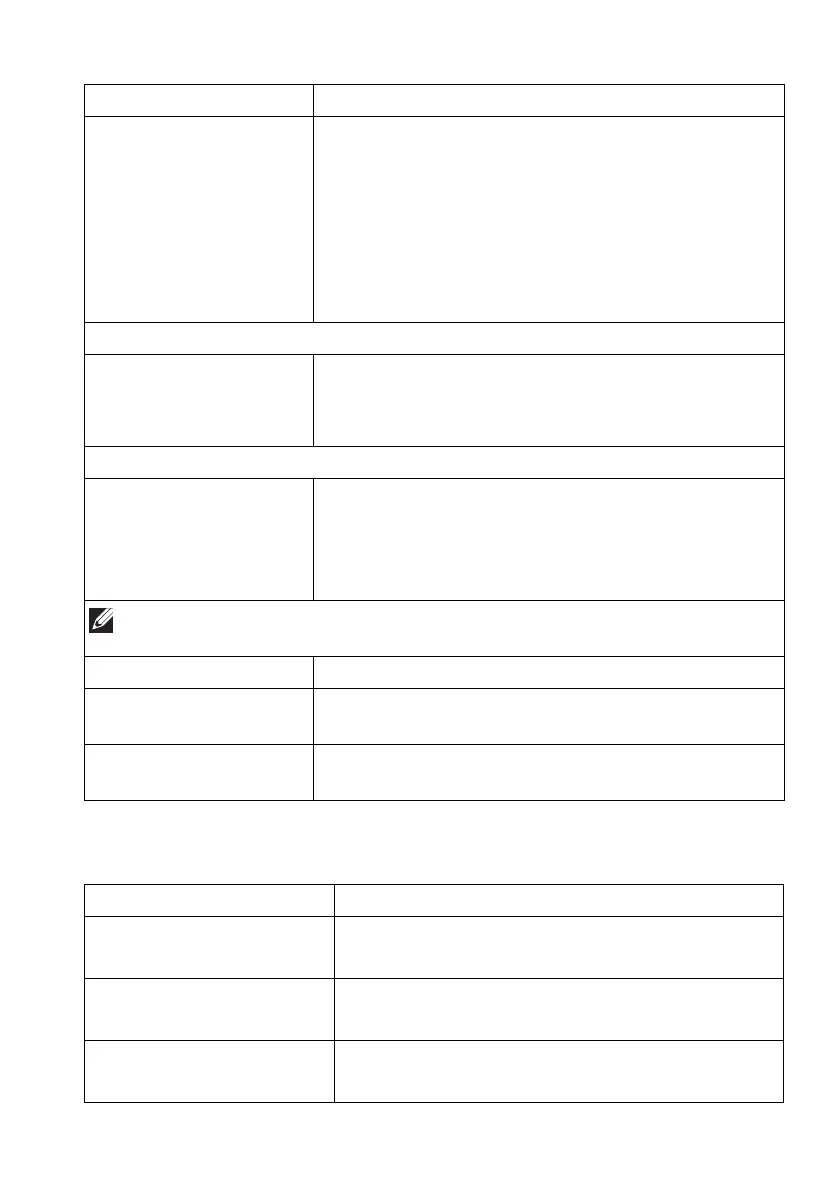
Horizontal scan range • DisplayPort 1.4: 27 kHz to
285 kHz (automatic)
• HDMI 2.0: 27 kHz to 151 kHz (automatic)
Vertical scan range • DisplayPort 1.4: 48 Hz to 165 Hz (automatic)
• HDMI 2.0: 48 Hz to 120 Hz (automatic)
Maximum preset resolution • DisplayPort: 3440 x 1440 at 165 Hz
• HDMI: 3440 x 1440 at 100 Hz
Connectivity • 2 x DisplayPort version 1.4 with HDCP 2.2 (rear)
• 1 x HDMI port version 2.0 with HDCP 2.2 (rear)
• 1 x USB 3.2 Gen 1 (5 Gbps) upstream port (rear)
• 4 x USB 3.2 Gen 1 (5 Gbps) downstream port
(bo
ttom: 2; rear: 2)
• 1 x headphone port (bottom)
• 1 x audio line-out port (rear)
Border width (edge of monitor to active area)
Top
Left/Right
Bottom
6.45 mm
10.99 mm/10.99 mm
20.60 mm
Adjustability
Height adjustable stand
Tilt
Swivel
Slant adjust
0 mm to 110 mm
-5° to 21°
-20° to 20°
-5° to 5°
NOTE: Do not mount or use this monitor in portrait (vertical) orientation
or inverse (180°) landscape mount as it may damage the monitor.
Security Security-lock slot (cable lock sold separately)
Dell Display Manager
compati
bility
Easy Arrange and other key features
Alienware Command
Cen
ter (AWCC)
Yes
Description Value
Description Value















 To Next Page