82 | Using AlienFX application
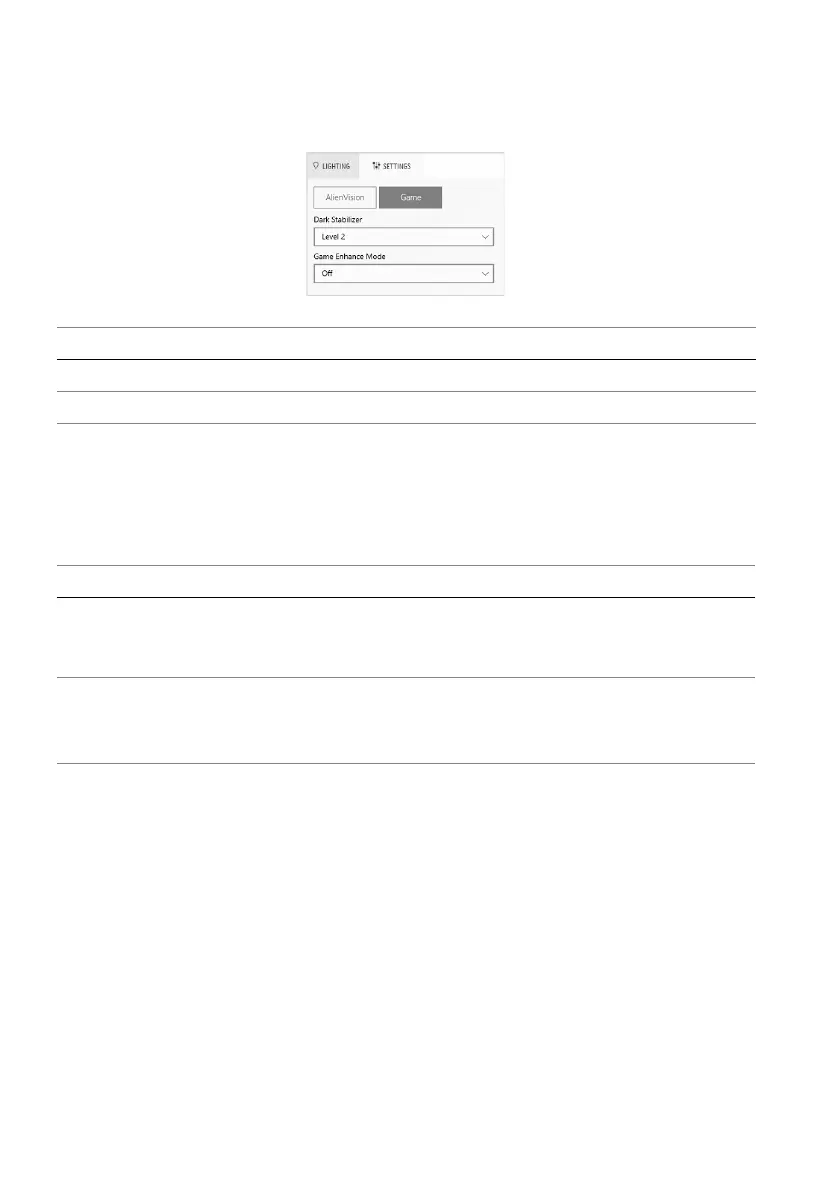
Game configuration
You can enhance the gameplay experience by adjusting t
he provided features.
Troubleshooting
The following table provides the information about the problems you might
encounter and the possible solutions:
Feature Description
Da
rk Stabilizer Refer to Dark Stabilizer.
Game Enhance Mode Refer to Timer and Frame Rate.
What you experience Possible solution
No LIGHTING panel Ensure that the supplied USB 3.2 Gen 1 (5 Gbps)
upstream cable is properly connected to your monitor
and computer.
No SETTINGS panel • Check whether the signal cable is plugged in
properly. Re-plug the signal cable if necessary.
• Reboot your computer.















 To Next Page