Operating the monitor | 43
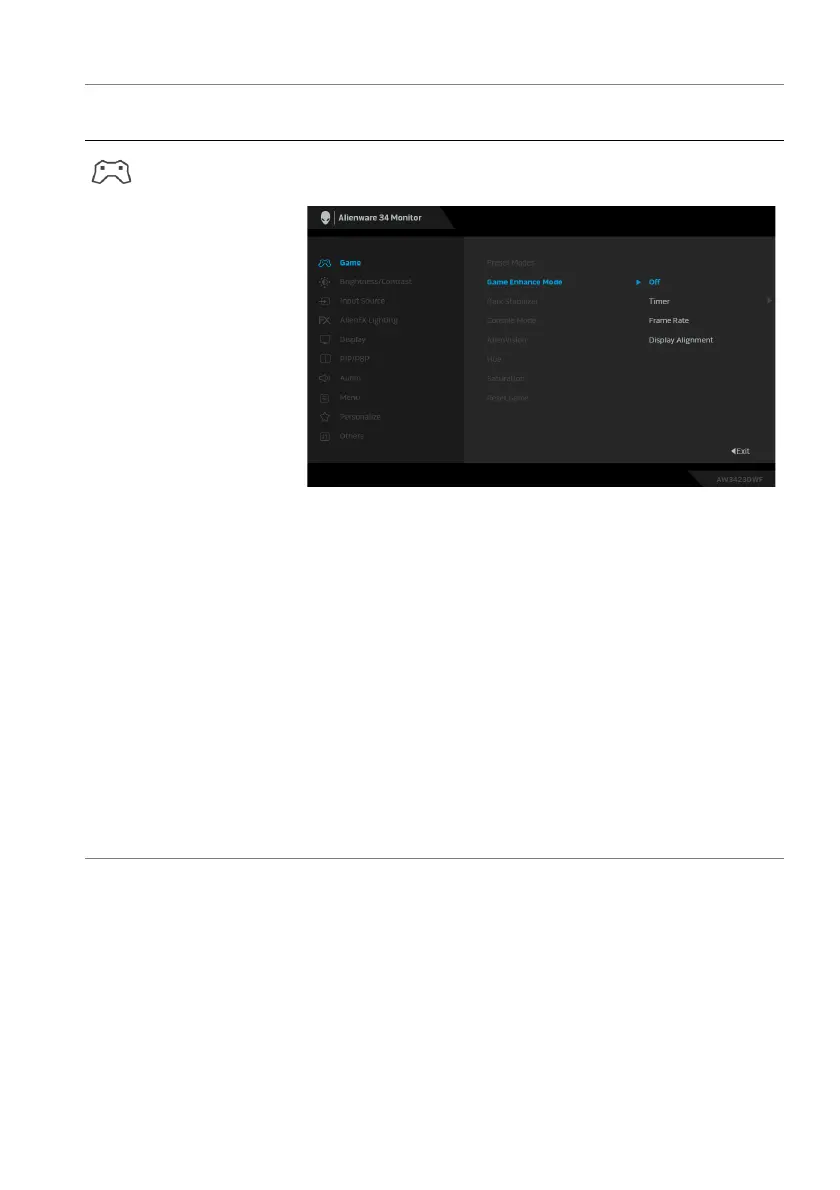
Game Enhance
Mode
The feature offers three available functions to enhance
your gameplay experience.
• Off: To disable the functions under Game Enhance
Mode.
• Timer: To disable or enable the timer at the upper
left corner of the display. The timer shows the time
elapsed since the game starts. Select an option from
the time-interval list to keep you aware of the
remaining time.
• Frame Rate: To display the current frames per
second when playing games. The higher the rate,
the smoother the motion appears.
• Display Alignment: To help ensure the perfect
alignment of the video contents from multiple
displays. Pressing the joystick again will exit the
Display Alignment mode.
Icon Menu and
submenu
Description















 To Next Page