Operating the monitor | 41
Accessing the menu system
After you change the settings, press the joystick to save the changes before
proceeding to another menu or exit the OSD menu.
NOTE: To exit the current menu item and return to the previous menu,
move the joystick to the left.
Icon Menu and
submenu
Description
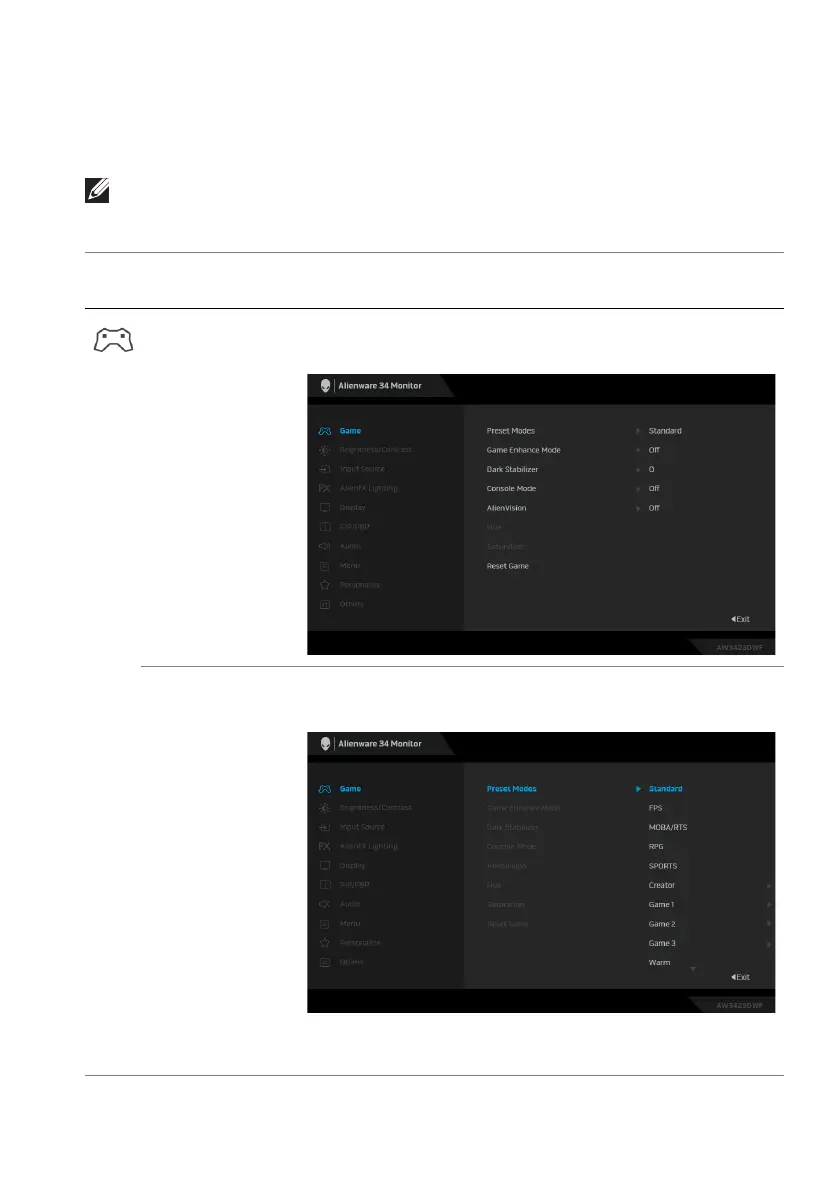
Game Use this menu to personalize your visual gameplay
experience.
Preset Modes Allows you to choose a preset color mode or create
your own color modes.
• Standard: Loads the monitor's default color
settings. This is the default preset mode.















 To Next Page