80 | Using AlienFX application
Settings
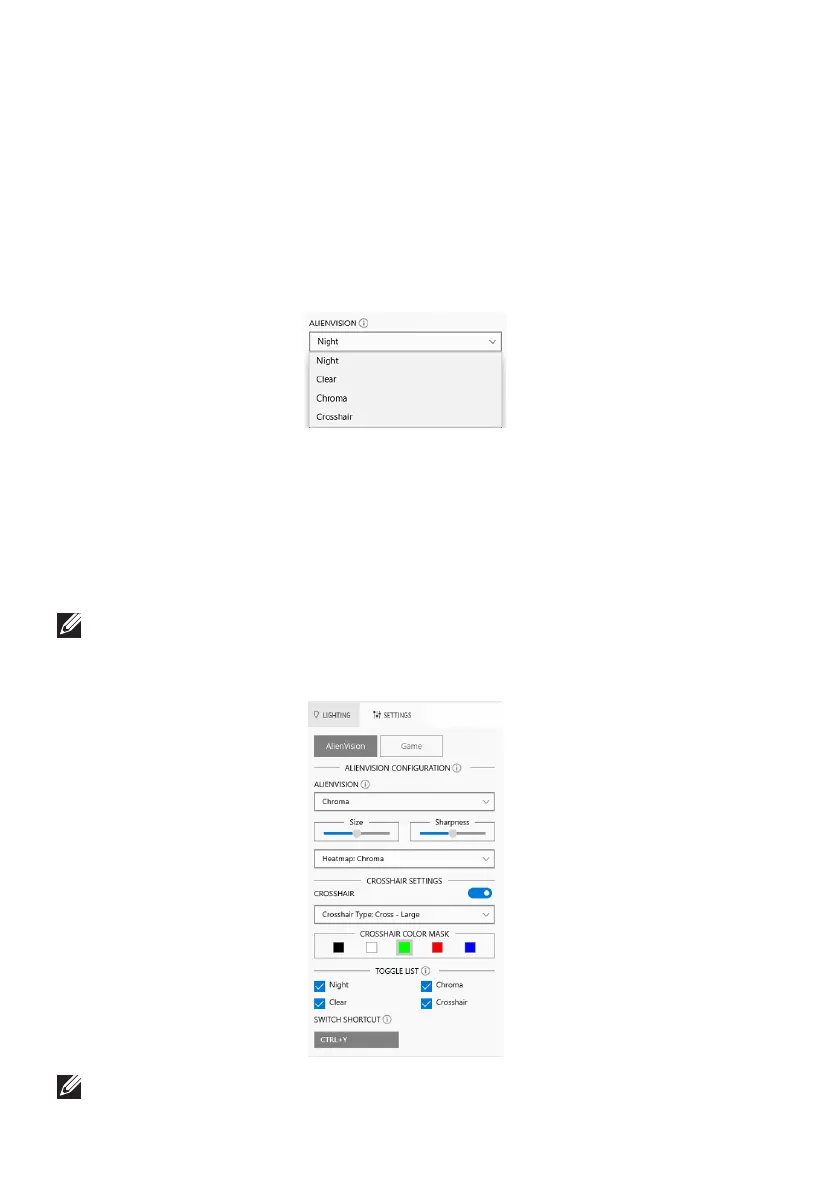
The SETTINGS panel has two main elements - AlienVision and Game. To
customize vision mode designs, see Customization of AlienVision; to adjust
advanced gaming features, see Game configuration.
Customization of AlienVision
1. Cl
ick the AlienVision button.
2. Select a
vision mode from the ALIENVISION dropdown list.
• Night: Improves contrast and clarity during dark game scenes.
• Clear: Imp
roves and enhances the details and clarity in a day game scene.
• Chroma:
Dynamically applies a heat map to any game environment to help
differentiate game objects from the background.
• Crosshair: Ensures
that a custom crosshair is always visible so as to assist in
aiming for those tougher fights.
NOTE: To check the preview of applying the AlienVision effects, toggle
the PREVIEW switch to the ON state.
3. C
ustomize a selected vision mode with the features displayed.
NOTE: The available features of each mode are slightly different.















 To Next Page