Operating the monitor | 45
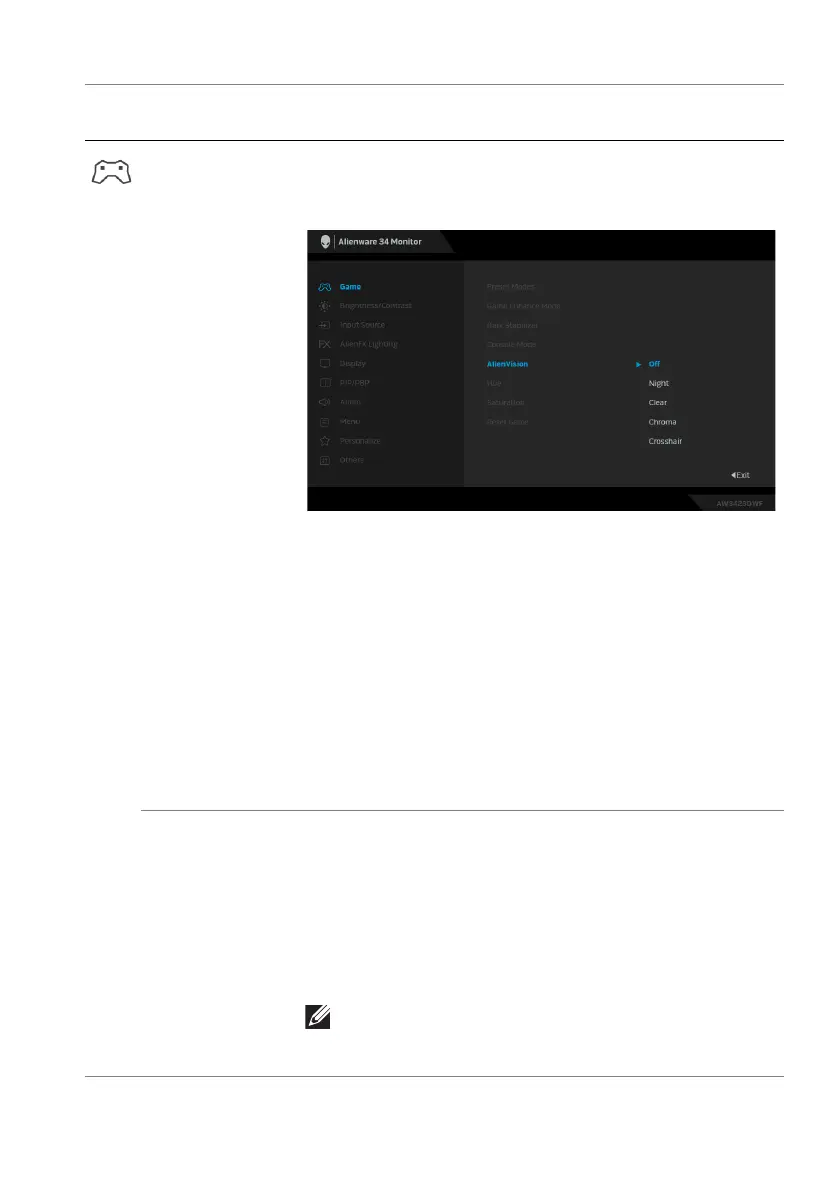
AlienVision AlienVision provides a few display modes for gaming
scenarios. You can go though the options to see the
preview. The default setting is Off.
• Night: Identifies the objects clearly in dark game
scenes.
• Clear: Cleans up visual artifacts to enhance the
clarity in the daytime scenes.
• Chroma:Applies dynamic heatmaps in various
scenes to help distinguish game objects from the
background.
• Crosshair: Assists in aiming and predictive aiming
with markings. Displays the crosshair throughout the
game, helping improve aiming in the heat of the
game.
Hue This feature can shift the color of the video image to
green or purple. This is used to adjust the desired
flesh-tone color. Use the joystick to adjust the hue
level from 0 to 100.
Higher levels increase the green shade of the video
image, while lower levels increase the purple shade of
the video image.
NOTE: This feature is available only when you
select FPS, MOBA/RTS, SPORTS, or RPG
preset mode.
Icon Menu and
submenu
Description















 To Next Page