Operating the monitor | 61
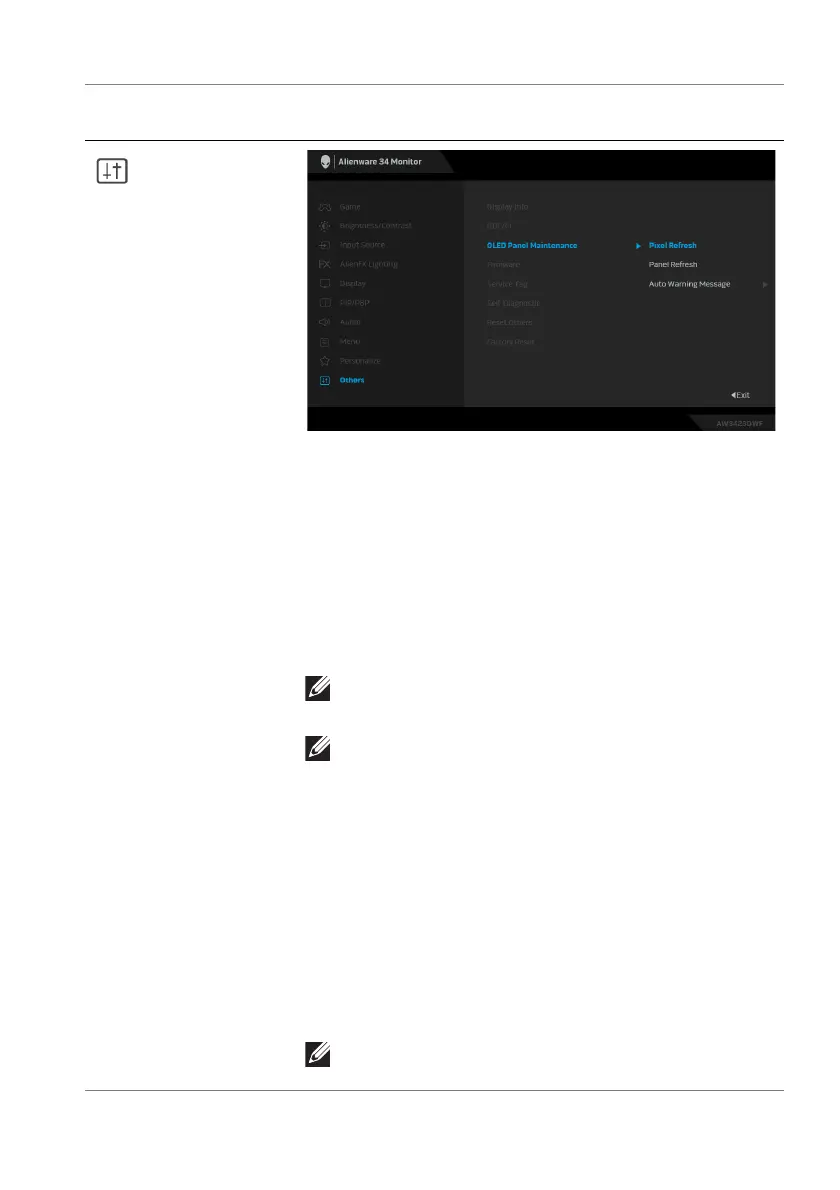
OLED Panel
Maintenance
The feature prevents the screen from image retention
by offering these functions:
• Pixel Refresh: To reduce temporary image
retention on the screen, you can manually activate
this function after using the monitor for a couple of
hours. Alternatively, the function will be activated
automatically when you have used the monitor for
4 hours/20 hours. The process takes approximately
6 to 8 minutes to complete.
NOTE: The power LED indicator blinks slowly in
green during the refresh process.
NOTE: If the accumulated usage time exceeds 4
hours, Pixel Refresh will be automatically
activated when the monitor goes into Standby
mode.
• Panel Refresh: To prevent permanent image
retention caused by static content when you use the
monitor for 1500 hours, you can manually activate
this function to refresh the pixels. Alternatively, the
function will be activated automatically when the
accumulated usage time exceeds the factory default
setting (1500 hours). The process takes
approximately an hour to complete.
NOTE: The power LED indicator blinks slowly in
red during the refresh process.
Icon Menu and
submenu
Description















 To Next Page