15
Turning on/off your headset
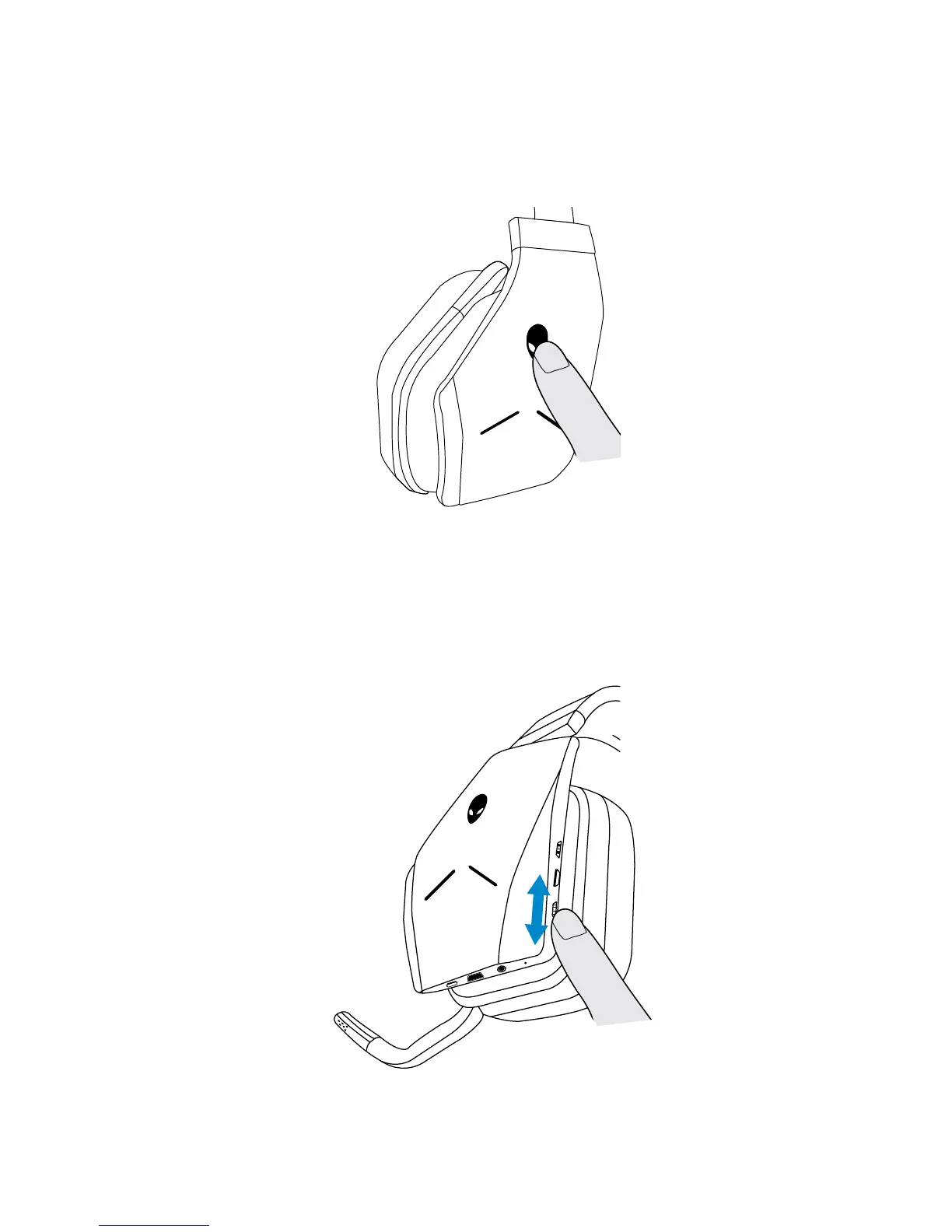
Press the power button on the left earcup to turn the headset on. Press and hold
the power button for 3 seconds to turn the headset o.
Adjusting the master volume
Use the Master volume control to adjust the speaker volume. Turn the control up
to increase the volume, or down to decrease the volume.



 To Next Page