7
Setting up your headset on your computer
System requirements
• One USB port for USB wireless dongle
• One USB port for charging (optional)
• Microsoft Windows 10 operating system
Connecting the headset to your computer using the USB
wireless dongle
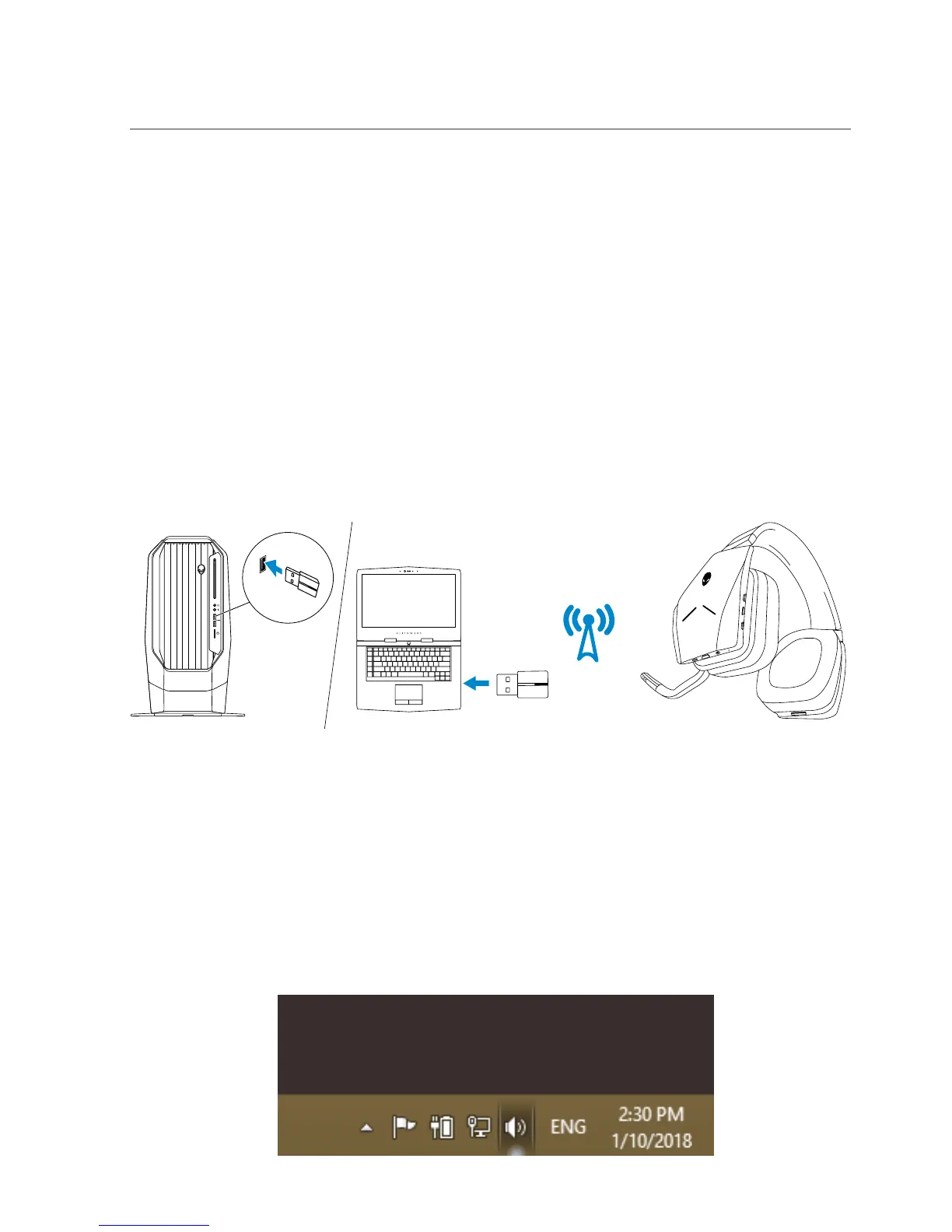
Connect the USB wireless dongle to the USB port on your computer. The
headset and the USB wireless dongle are pre-paired.
Configuring the headset on your computer
To use your headset for gaming or to listen to music from your computer, it has
to be selected as the default playback device and the default recording device
in Windows Audio Settings.
1 On Windows toolbar, right-click the speaker icon to access the Windows
Audio Settings. The Sound dialog box appears.



 To Next Page