17
Switching between the audio presets
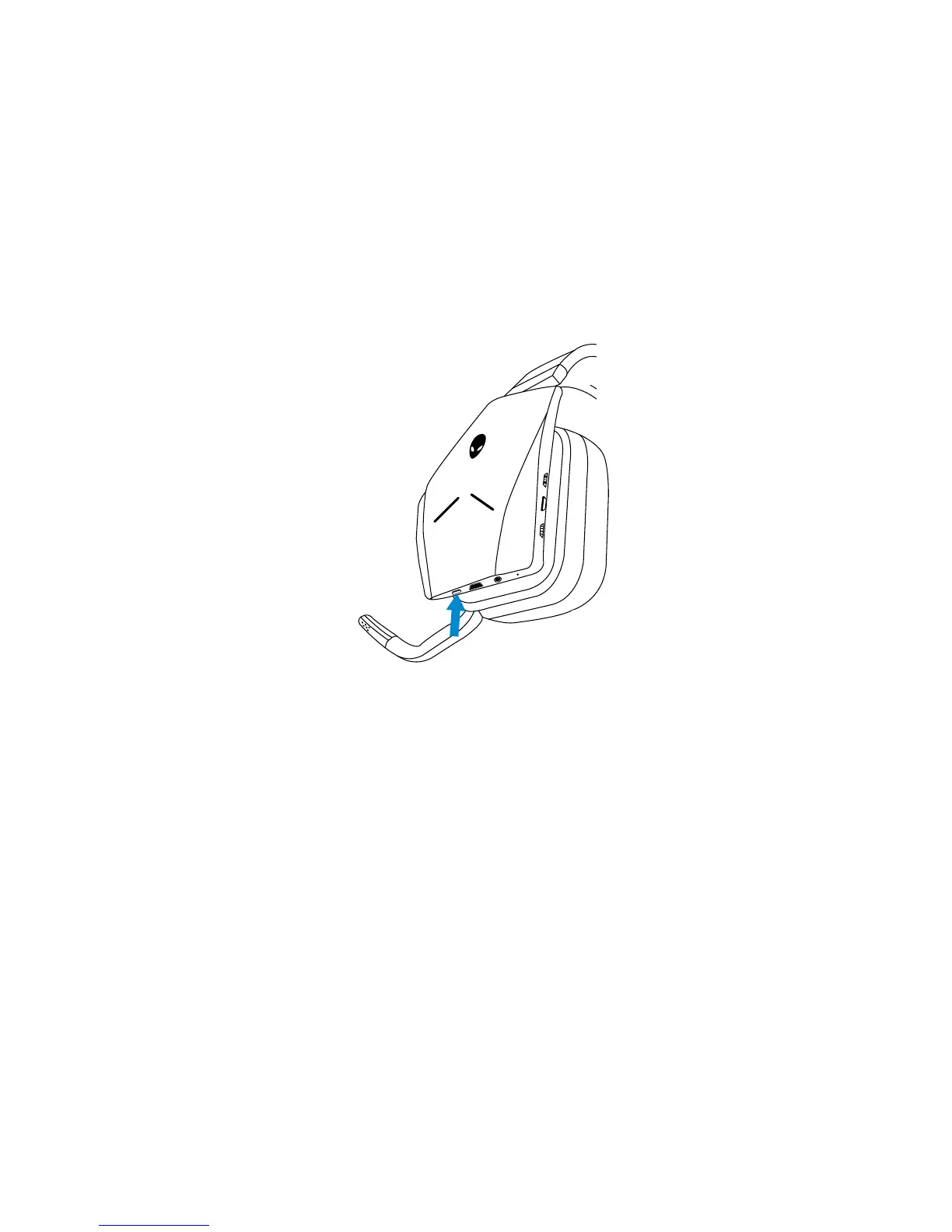
Press the Audio preset button to cycle through the available presets.
When the headset software is running, pressing the Audio preset button will
cycle through all presets as listed in the software.
When the headset software is not running, pressing the Audio preset button will
cycle through Gaming, Music, and Movie presets.
An audible voice prompt is played to indicate the selected preset is activated.



 To Next Page