16
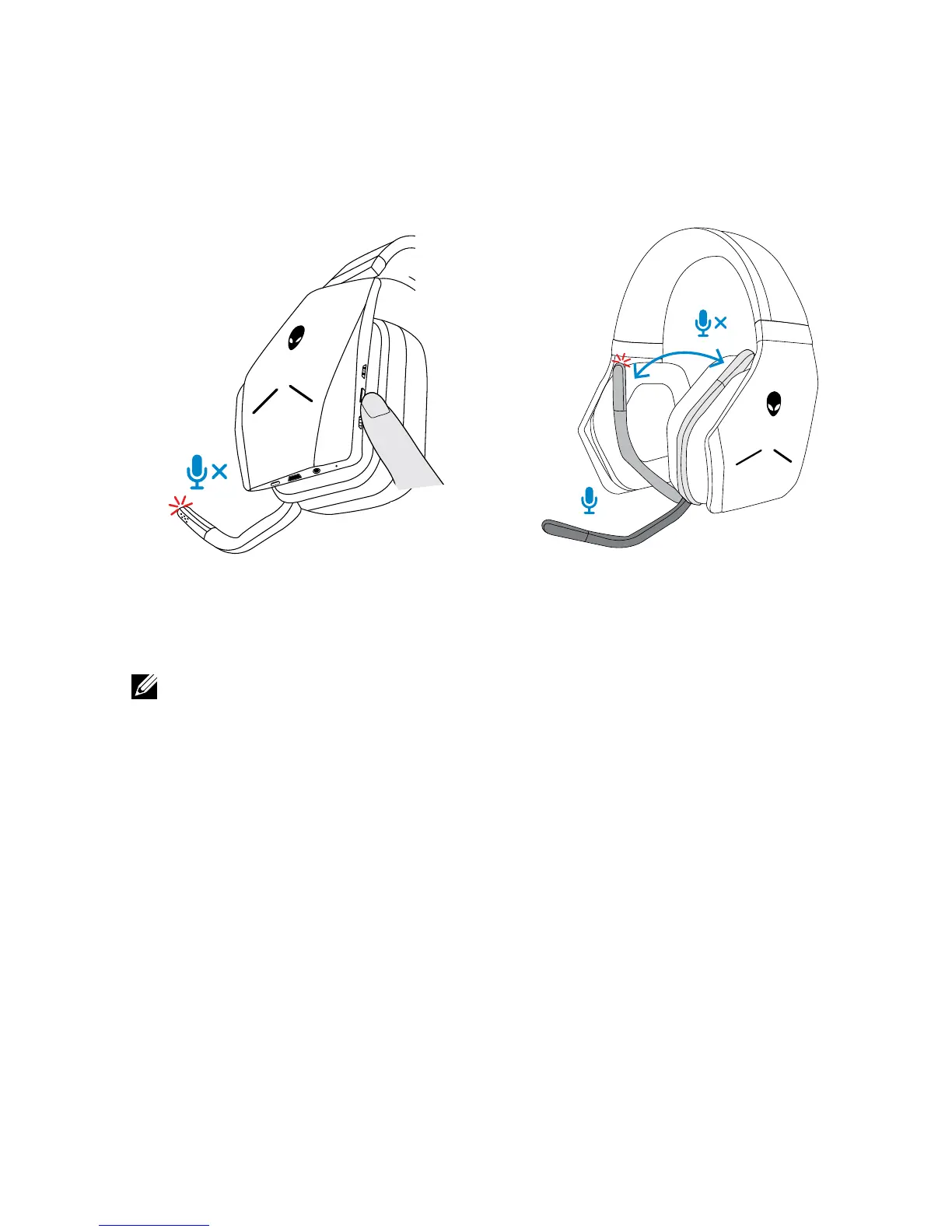
Muting/unmuting the microphone
Use the mute button to mute or unmute the microphone. Alternatively, fold the
retractable microphone back into place to mute the microphone, or lower the
retractable microphone to unmute the microphone.
30°
The microphone mute light turns red to indicate the microphone is on mute.
NOTE: You will hear an audio prompt when the retractable microphone is
opened or closed.



 To Next Page