ALL-TEST PRO
®
31 User Manual
©2011, ALL-TEST Pro, LLC www.alltestpro.com rev 2011-11F 14
Continue with Other Phases
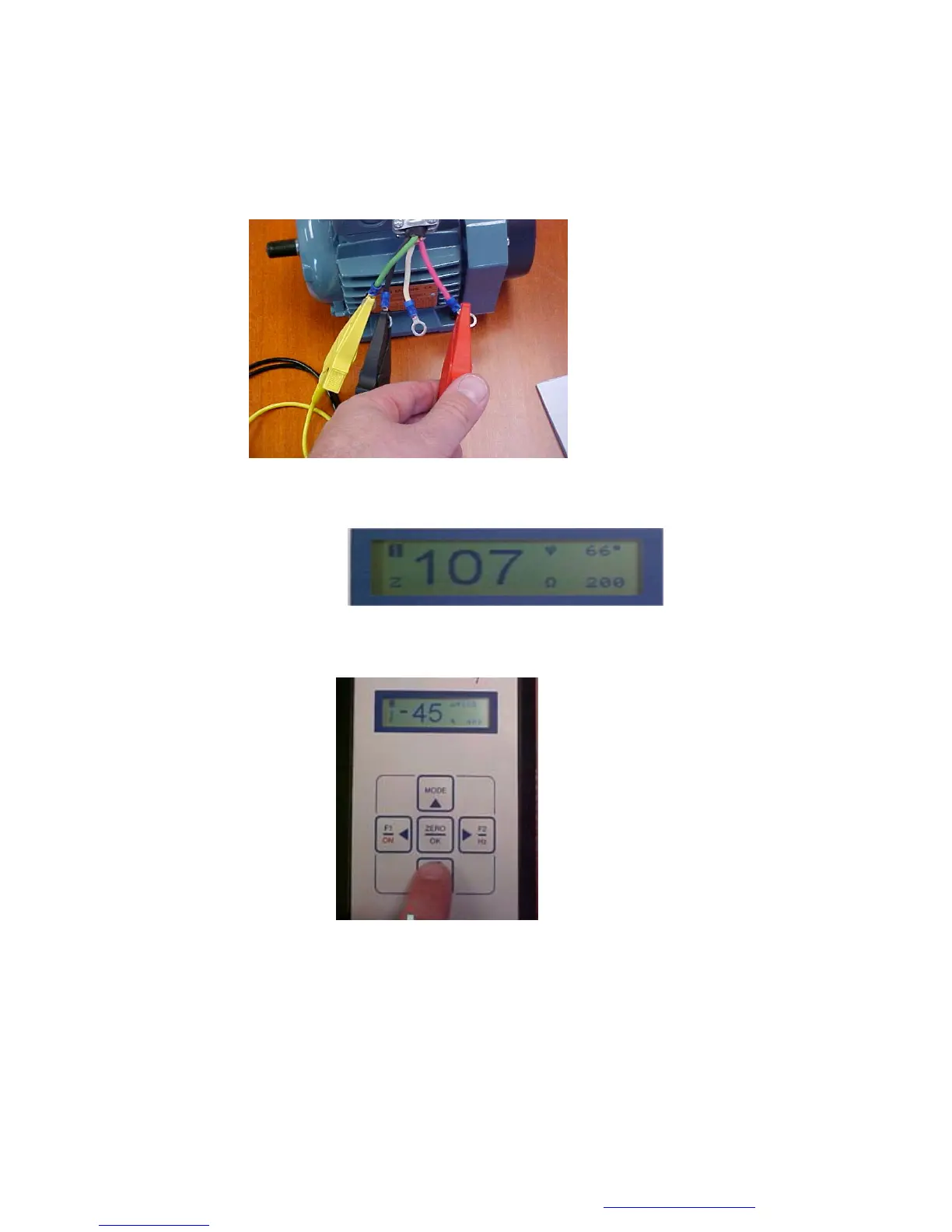
1. Move the test leads to T1 & T3 to make the measurements on the next phase.
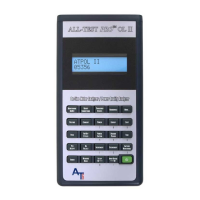
2. Read the Impedance (Z) and Phase Angle (ψ) values from display screen 1 for winding. Do not
fill in the phase balance until all three phases have been measured.
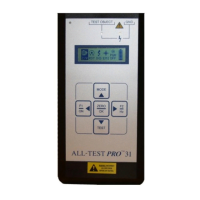
3. Depress the TEST key to display the Current Frequency Response (I/F).
Winding 2 Current
Frequency Response


 To Next Page