3.7 Date/Time
The scanner provides a Time Stamping Function that inserts the date and the time for each ID number
into the list of ID numbers stored.
The user can configure the date/time format, the date and the time through the menu or through
communication interface (USB or Bluetooth® port).
4 Installing Software
The AFX-110 is supplied with the AFX-100/AFX-110 Software. AFX-100/AFX-110 Software provides the
following capabilities:
Change reader settings.
Configure a Bluetooth® connection with a remote device.
Download reader memory and export animal ID’s to Excel.
Use your reader as a virtual keyboard.
Update your reader firmware.
4.1 System requirements
Microsoft® Windows® 2000 Service Pack 4, Windows XP, Windows Vista, Windows 7, Windows 8,
Windows 8.1, and Windows 10 (This software is not compatible with Mac OS).
Personal computer with:
512 MB of RAM minimum.
40 MB free hard disk space.
AFX-100/AFX-110 Software requires .NET Framework 3.5 which is usually installed with Windows
operating system. If it is not installed on your computer, the installation program will prompt you
to install it (Refer to Appendix to see how to install .NET framework).
4.2 Program installation
The AFX-100/AFX-110 Software (AFX-100/AFX-110 Software) is available for download at
Follow the steps below to complete the installation process:
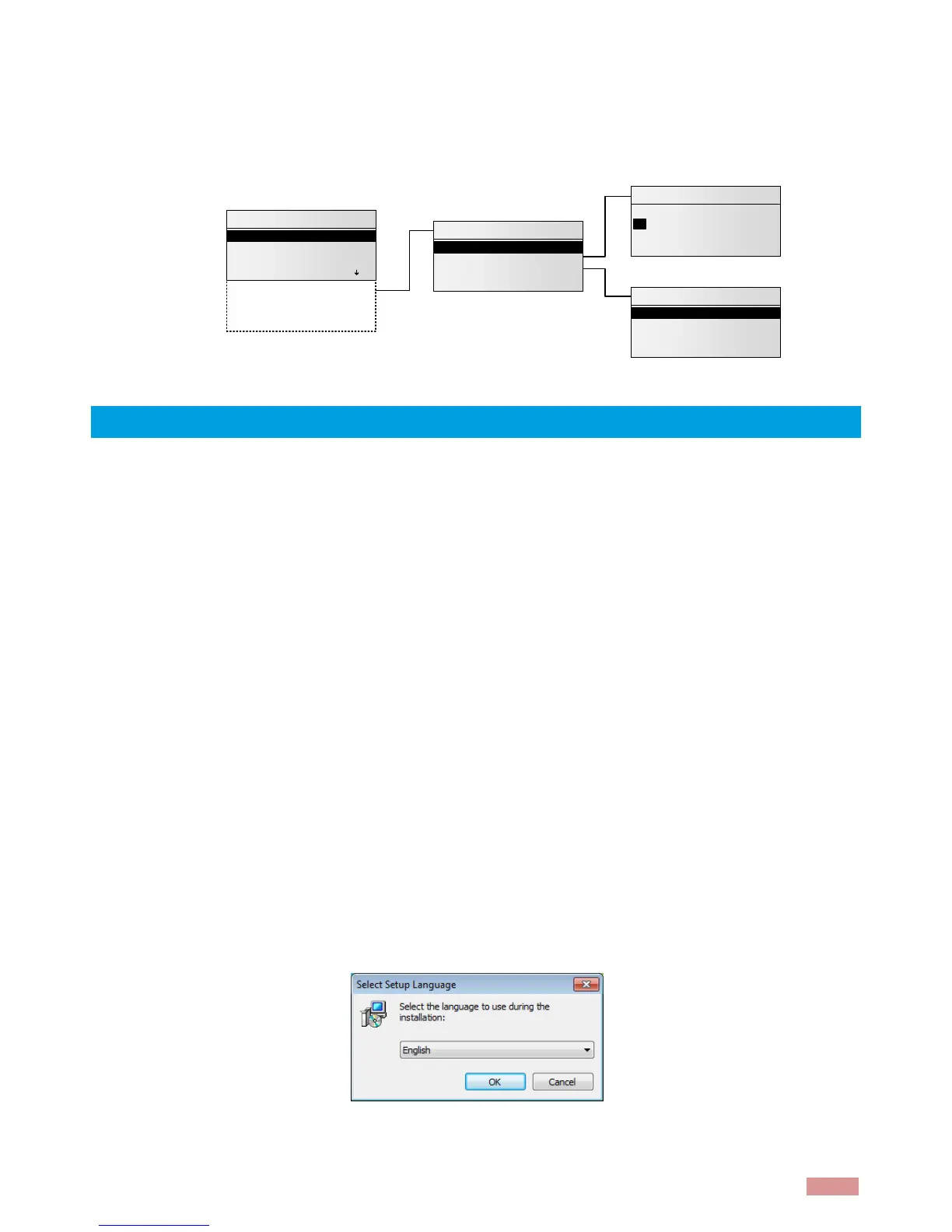
1. Double-click on the setup package to start the installation and choose the appropriate
language.



 To Next Page