T4PGF1 INSTRUCTION MANUAL Page 9
SHAW-ALMEX INDUSTRIES LIMITED June 14 2017
6.2. Temperature Controller Settings
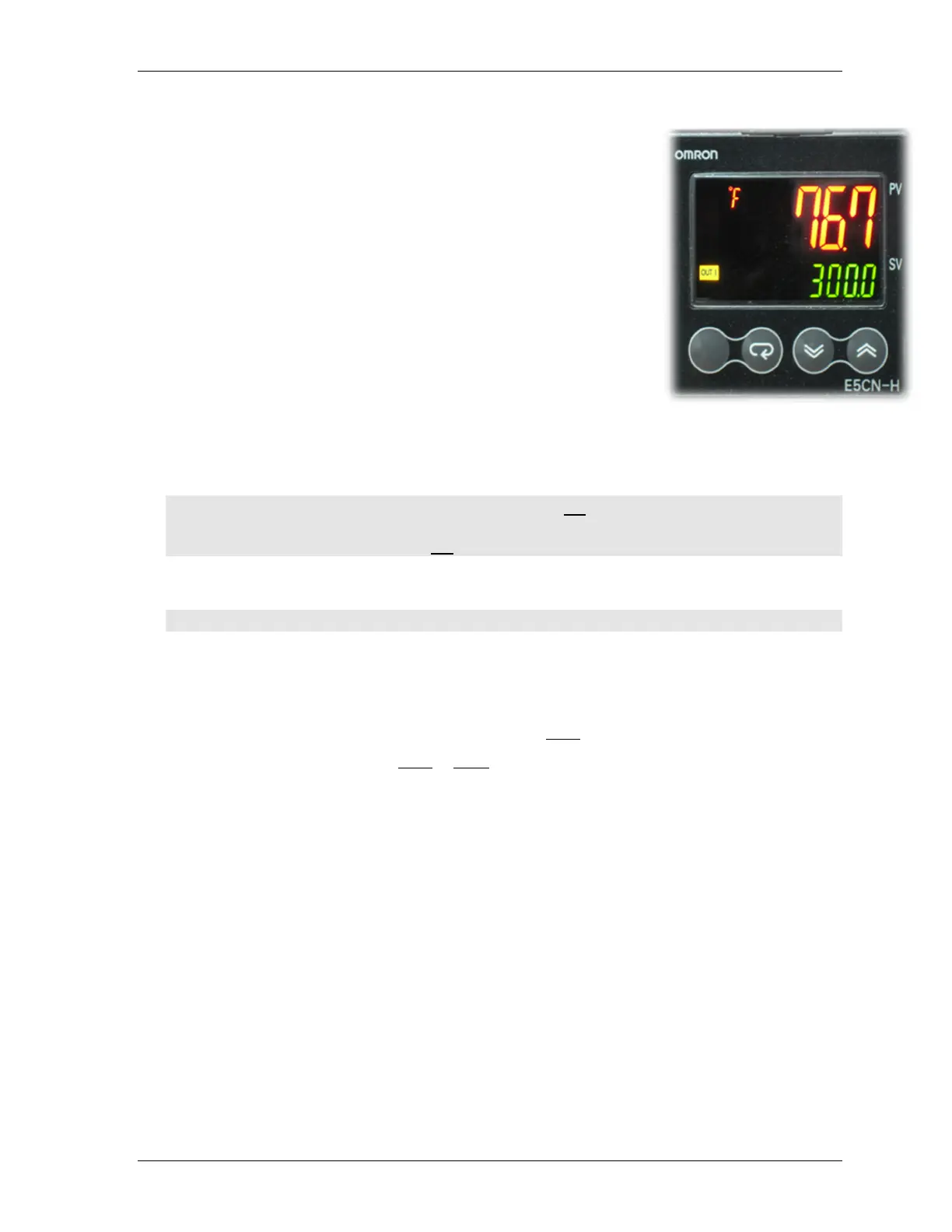
The average user need only adjust the temperature set point. The temperature
controller has many other settings that have been set by the factory. All
adjustments other than temperature set point can be protected to avoid making
adjustments that might adversely affect the operation of the controller. See
Protecting Temperature Controller Settings.
In the description of temperature controller settings, the display key is
described with the ↵ symbol.
6.2.1. Setting the Platen Temperature
1. The SET VALUE indicator on each controller displays the set point
temperature of the platen. You may change this setting for your
application by pressing the ∧ or ∨ key to raise or lower set point. This can
be changed anytime but should be done before beginning to heat.
2. After changing the SET VALUE, Turn the RESET Switch to off then back
on. Failure to do this may cause the temperature to overshoot the set point.
Important: The maximum recommended operating temperature for most belts is 325°F (163°C).
6.2.2. Setting Temperature Units to °
°°
°C or °
°°
°F
1. Press and hold the Level key for at least three seconds until IN-t appears in the PV display.
2. Press the Mode key momentarily until d-U appears in PV display.
3. Press the ∧
∧∧
∧ or ∨
∨∨
∨ key to select C (Celsius) or F (Fahrenheit) in the SV display.
4. Press and hold the Level key until the Operation level screen appears. The setting will be maintained
6.2.3. Setting the Over Temperature Alarm
This feature of the controller will give the operator an audible alarm if the platen temperature rises 20 °F (11°C)
above the SET VALUE. Use the following procedure on each controller:
1. From the Operation level press the Mode key until AL-2 appears in the PV display.
2. Press the ∧ or ∨ key to set 20 °F or 11 °C in the SV display.
3. Press the Mode key until the Operation screen appears. The setting will be maintained.



 To Next Page