22
Information on this screen:
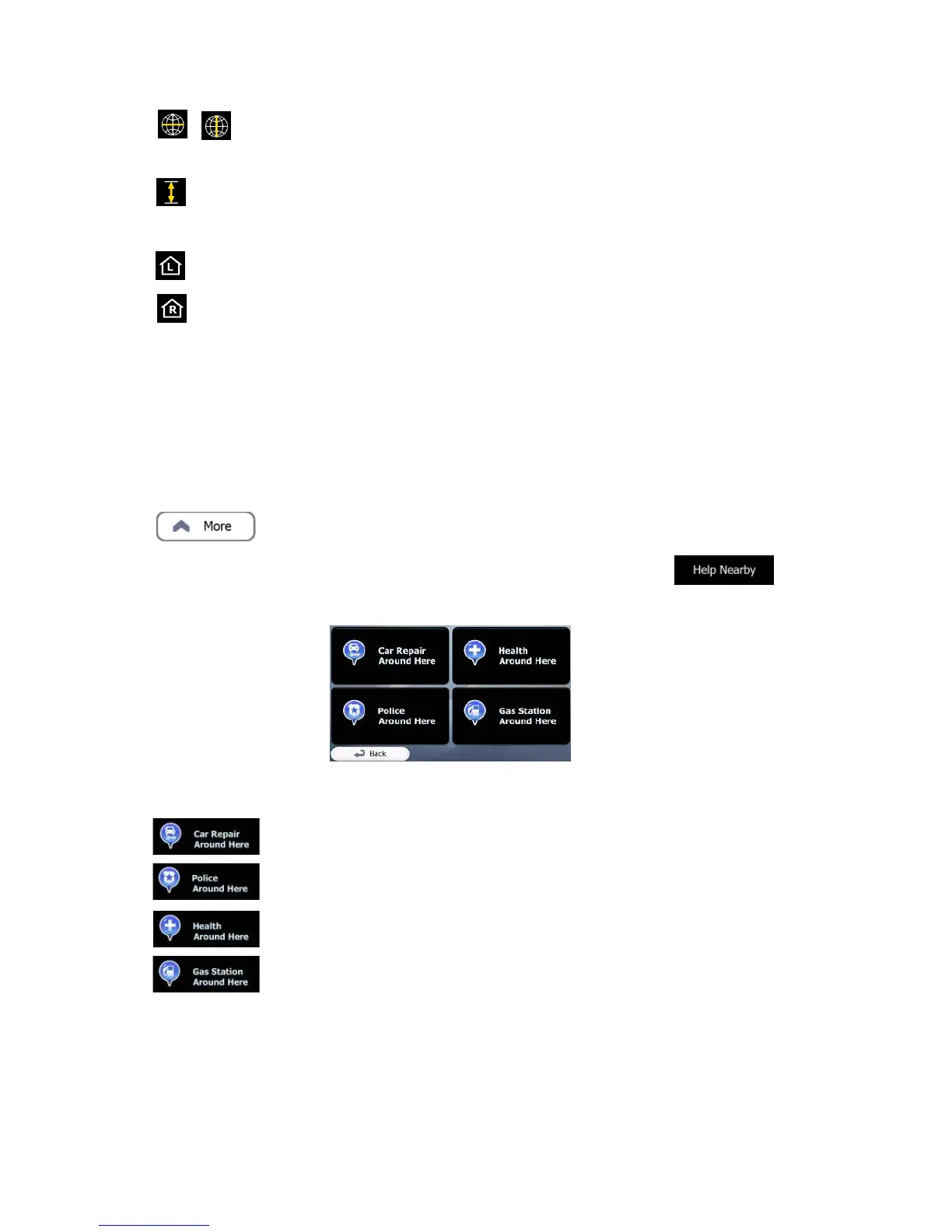
• Latitude and Longitude (coordinate of the current position in WGS84
format).
• Altitude (elevation information coming from the GPS receiver - often
inaccurate).
• House number on the left.
• House number on the right.
• In the middle of the screen you can see whether the position is current, or the time
left since it was last updated.
• Address details (when available) of the current position are also displayed at the
bottom.
You can also perform some actions on this screen:
Tap to save the current position as a Favorite destination.
You can also search for assistance near your current position. Tap to
open a new screen for the Quick search:
The following services can be searched around the current position or the last known
position:
• Car repair and roadside assistance services
• Police stations
• Medical and emergency services
• Gas stations
Tap any of the buttons, select a Place from the list, and navigate to it.


 To Next Page