21
With this function you can save the active route
for later use.
My Route / More /
Save Route
With this function you can replace the active
route with a previously saved route.
My Route / More /
Load Route
With this function you can search for Places of
Interest in various different ways.
Find / Find Places
(page 39)
This button opens the Map screen and starts
simulating the active route.
My Route / More /
Simulate Navigation
(page 63)
This button opens the GPS Information screen
with satellite position and signal strength
information.
Tap the top of the
Map screen when
there is no GPS
reception
This button opens the parameters of the
selected Vehicle profile.
More / Settings /
Route (page 76)
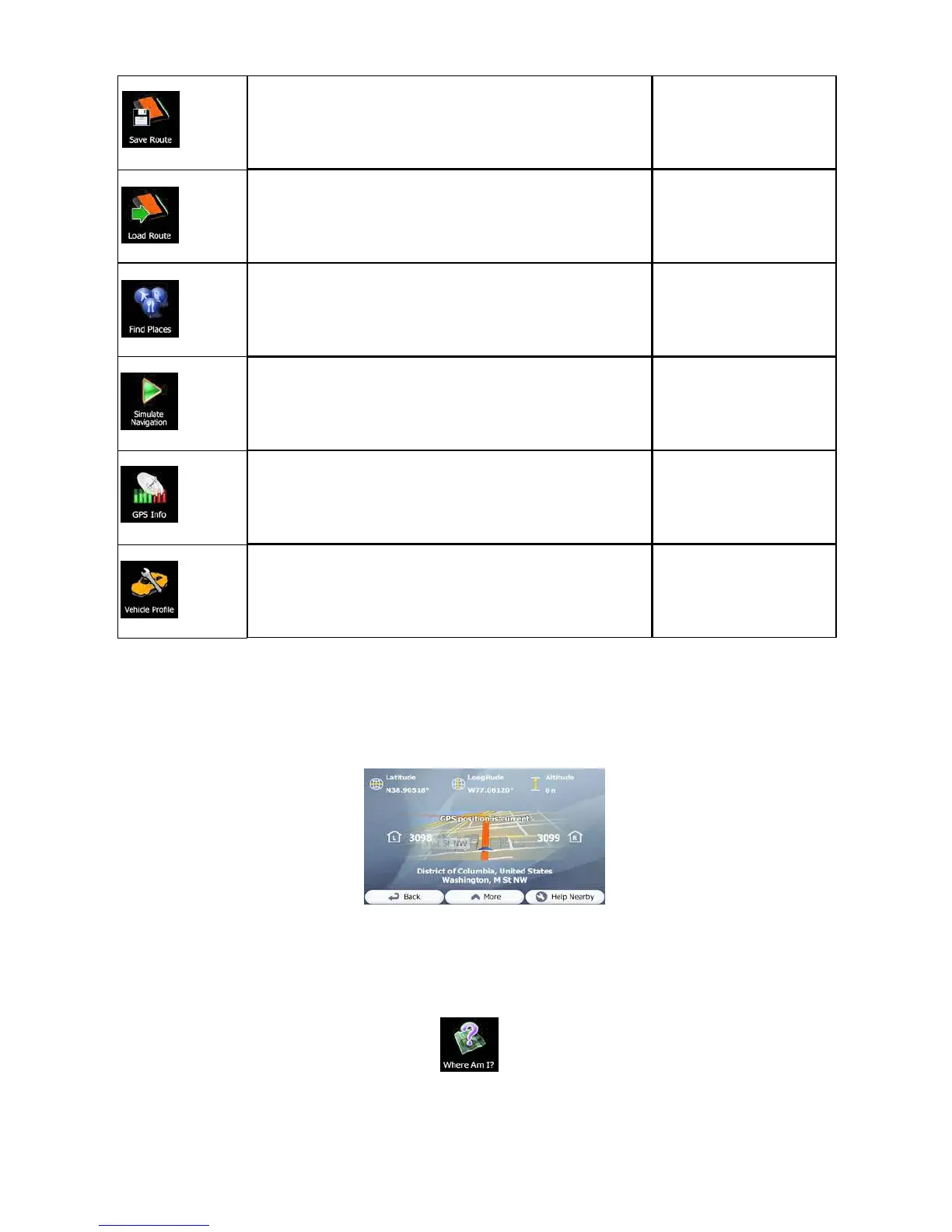
2.3.6 Checking the details of the current position (Where Am I?)
This screen contains information about the current position (or about the last known
position if GPS reception is not available) and a button to search for useful Places
nearby.
You can access this screen from the map in one of the following ways:
• If the current street is displayed below the Vehimarker (the current position on the
map), tap it to open the Where Am I? screen.
• Open the Quick menu and tap the button.


 To Next Page