76
Controls for each sound type:
5.3.2 Customise Quick menu
The content of the Quick menu (page 19) is fully customisable. Tap the button you
want to change, and select its new function from the list.
The list of available functions and their descriptions are on page 19.
5.3.3 Traffic settings
The recommended route is not always the same between two points. Whenever
suitable data exists, traffic information can be taken into account in the route
calculation.
5.3.4 Route settings
These settings determine how routes will be calculated.
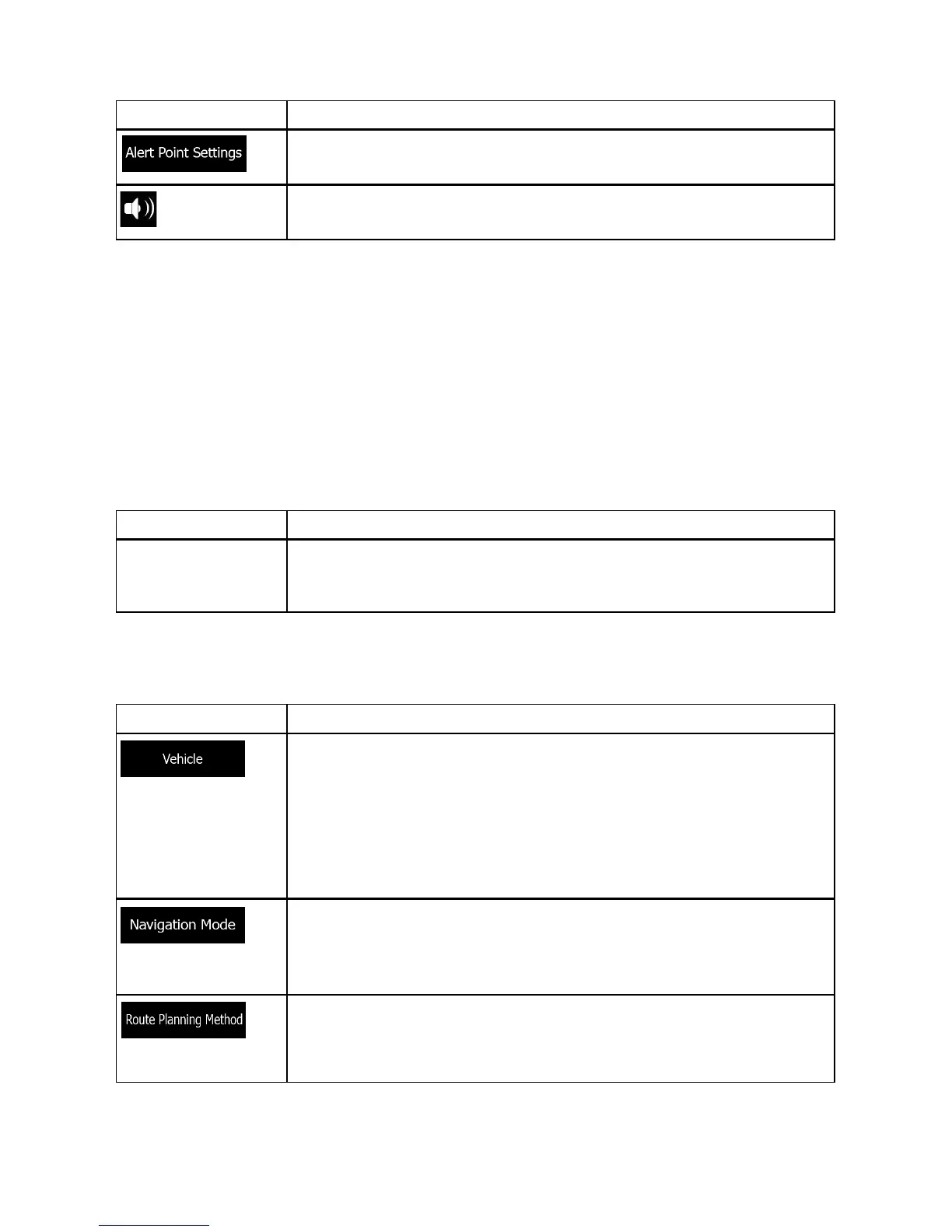
Button Description
Adjusts the volume of the related sound.
Use the switch to mute the related sound. The slider becomes
inactive. Tap again to re-enable.
Button Description
This setting determines how ALPHA-NAV navigation uses the
historical traffic information that the navigation collects from prior
detour settings the user has entered into the navigation system.
Button Description
You can set the type of vehicle you will use to navigate the route.
Based upon this setting, some of the road types can be excluded
from the route, or some of the restrictions may not be taken into
account in route calculation.
You can edit the parameters of the selected vehicle profile, or
you can even create new vehicle profiles if you tap More.
On-road navigation creates a turn by turn itinerary using the road
network on the map. Switch to off-road navigation to navigate
between destinations in a straight line.
The route calculation can be optimised for different situations
and vehicle types by changing the planning method. See below
for details.


 To Next Page