65
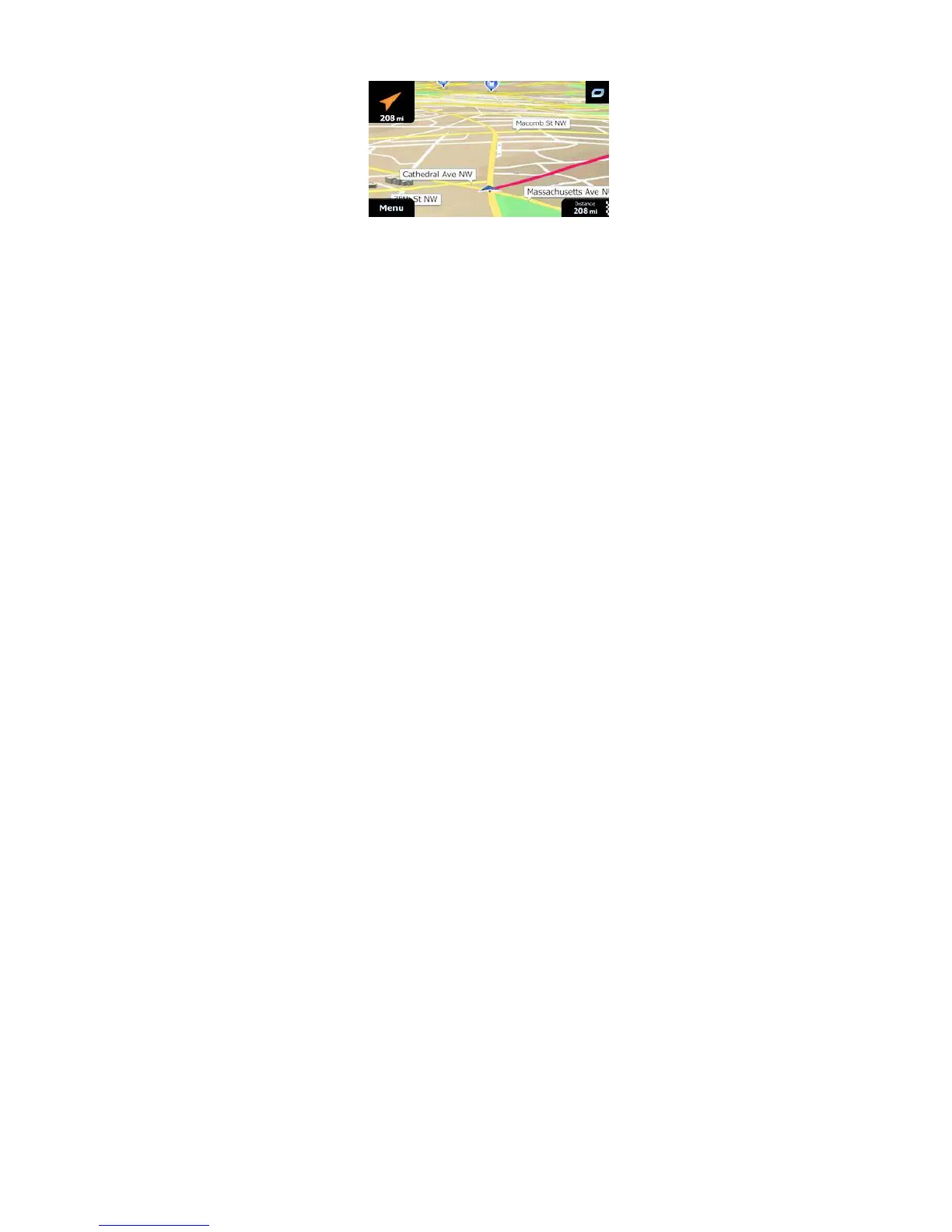
When you reach a waypoint, the orange line will show the direction to the next desti-
nation. (Future legs of the route are shown with orange lines.)
When you reach the final destination, navigation ends.
5 Reference Guide
On the following pages you will find the description of the different concepts and
menu screens of ALPHA-NAV navigation.
5.1 Concepts
5.1.1 Smart Zoom
Smart Zoom provides much more than just a usual automatic zoom feature:
• While following a route: when approaching a turn, it will zoom in and raise the
view angle to let you easily recognise your maneuver at the next junction. If
the next turn is at a distance, it will zoom out and lower the view angle to be flat
so you can see the road in front of you.
• While driving without an active route: Smart Zoom will zoom in if you drive
slowly and zoom out when you drive at high speed.
5.1.2 Daytime and night color themes
ALPHA-NAV navigation uses different color themes during the day and during the
night for both the map and the menu screens.
• Daytime colors are similar to paper road maps, and the menus are bright.
• The night color themes use dark colors for large objects to keep the average
brightness of the screen low.
ALPHA-NAV navigation offers different daytime and night color profiles. It can also
switch automatically between the daytime and the night schemes based on the
current time and GPS position a few minutes before sunrise, when the sky has
already turned bright, and a few minutes after sunset, before it becomes dark.


 To Next Page