83
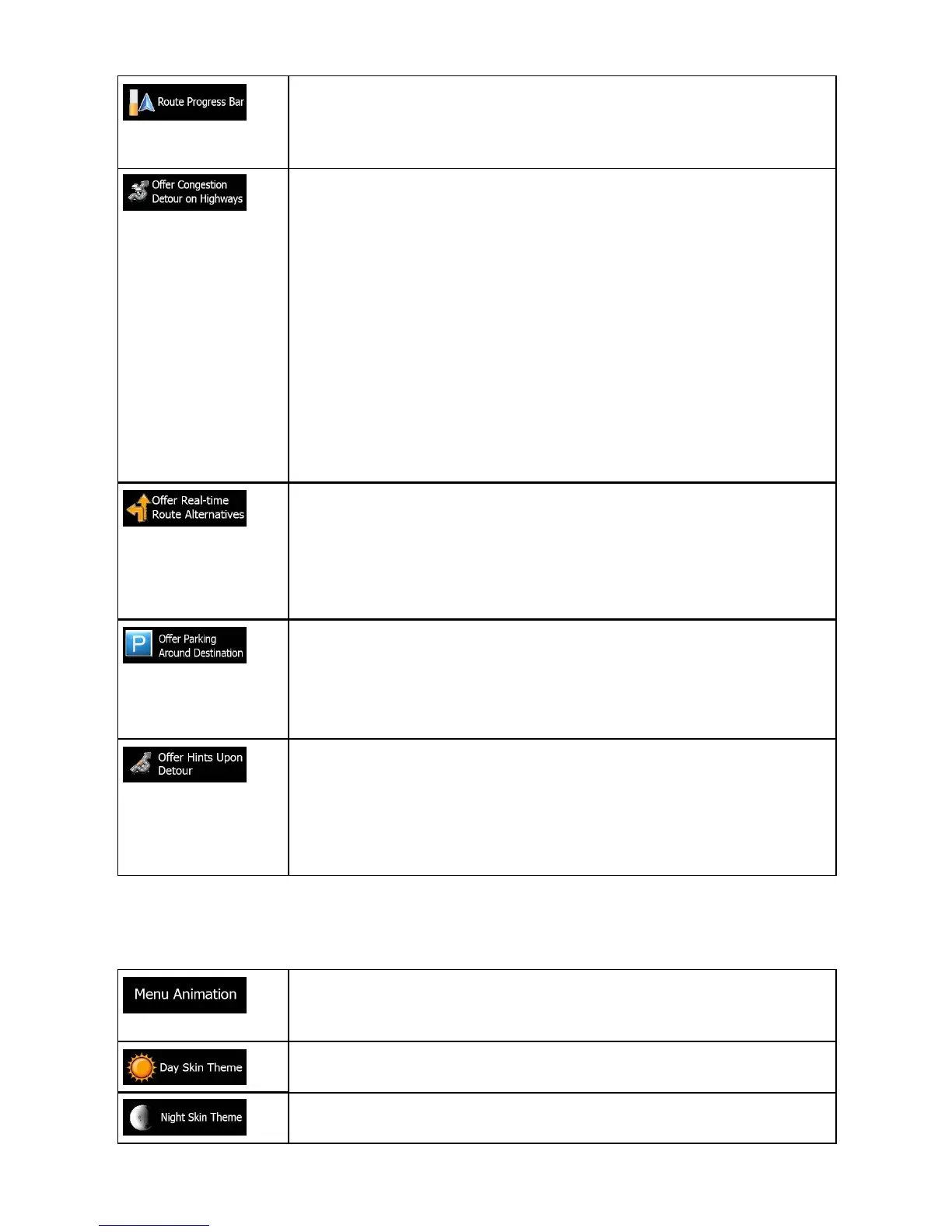
Turn on the route progress bar to see your route as a straight
line on the left side of the map. The blue arrow represents your
current position and moves up as you travel. Waypoints and
Traffic events are also displayed on the line.
When you slow down while driving on a highway, there is a
chance that you are in a traffic jam so ALPHA-NAV navigation
offers you a detour using the next exit. The message shows you
distance of the exit and the difference in distance and estimated
time compared to the original route. You can choose from one of
the following options:
• Tap Dismiss or just ignore the message if you want to keep
the original route.
• Tap Preview to see the overview of the original route and the
detour to make the decision. You can accept the detour as
offered or increase the bypassed motorway segment before
accepting.
• Turn to the suggested new direction and the route will be
automatically recalculated.
Similar to the above possibility, alternative routes can be
suggested when driving on normal roads. ALPHA-NAV
navigation will select a different turn in the upcoming intersection
and offers you a different route for the next section of the route.
Your options are the similar as above but you cannot modify the
offered detour.
Parking at the destination may not be easy in city areas. As
you approach the destination, ALPHA-NAV navigation can offer
parking category Places near your destination. Tap the "P" button
to open a top-down map with the destination and the offered
parking Places. Select one and modify the route accordingly.
If you leave the recommended route and suddenly exit the
highway, the application offers different alternatives near the
exit like gas stations or restaurants. Also, if there are avoidable
parts of the original route ahead (like a tunnel, a toll road or a
ferry), you will find them in the list in case you want to bypass
them with the help of ALPHA-NAV navigation.
5.3.8 Display settings
Display related settings include menu animations, separate skins for daytime and
night use and the brightness of the display.
When animation is turned on, buttons on menus and keyboard
screens appear in an animated way. Screen transitions are also
animated
Select the style and colors of the application used in daytime
mode.
Select the style and colors of the application used in night mode.


 To Next Page