75
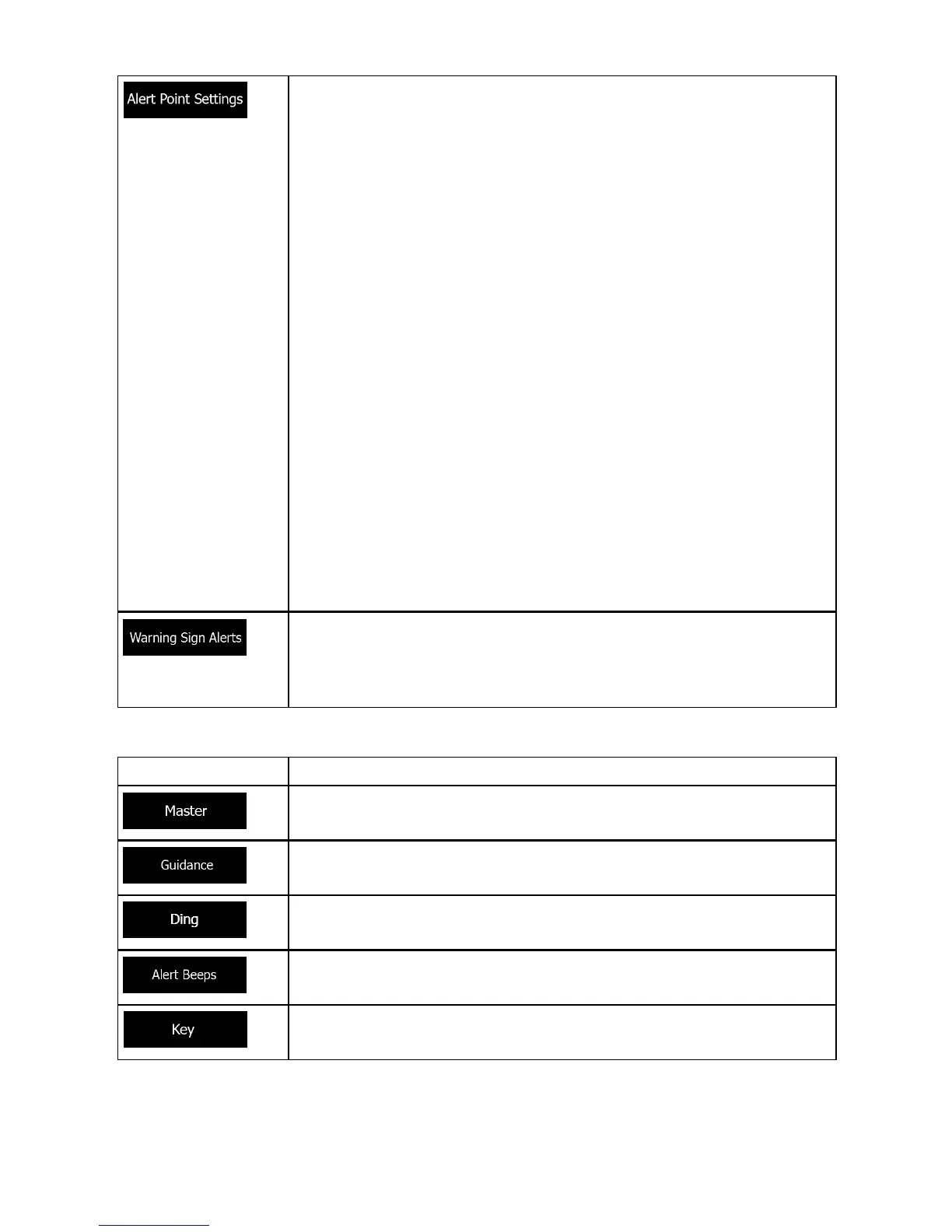
You can control the volume of the following sound types:
This feature allows you to receive a warning when approaching a
Road Safety Camera or other alert points like school zones or
railroad crossings. You must ensure on your own liability that
using this feature is legal in the country where you intend to use
it.
You can set the alert for the different alert point categories indi-
vidually.
The following alert types are available:
• Audio warning: beeps can be played while you are
approaching one of these points, or extra alert sounds if you
exceed the given speed limit while approaching.
• Visual warning: the type of the alert point, its distance and the
related speed limit appear on the Map screen while you are
approaching one of these cameras.
For some of the alert points, the enforced or expected speed
limit is available. For these points, the audio alert can be different
if you are below or above the given speed limit.
• Only when speeding: The audio alert is only played when you
exceed the given speed limit.
• When approaching: The audio alert is always played when
approaching one of these alert points. In order to draw your
attention, the alert is different when you exceed the speed
limit.
Maps may contain driver alert information. Tap this button to turn
on or off these warnings and to set the distance from the hazard
to receive the warning at. These can be set individually for the
different warning types.
Button Description
This is the main volume control. These controls affect all below
sounds. They can also be accessed from the Quick menu.
These controls affect the volume of the guidance sounds (verbal
instructions).
Turn off the attention tone preceding verbal instructions or adjust
its volume.
These controls affect the volume of the non verbal alert sounds
(beeps).
Key sounds provide audible confirmation of tapping the touch
screen. These controls affect key sounds.


 To Next Page