ACTIVATING SERVICES
5
Apps - 79
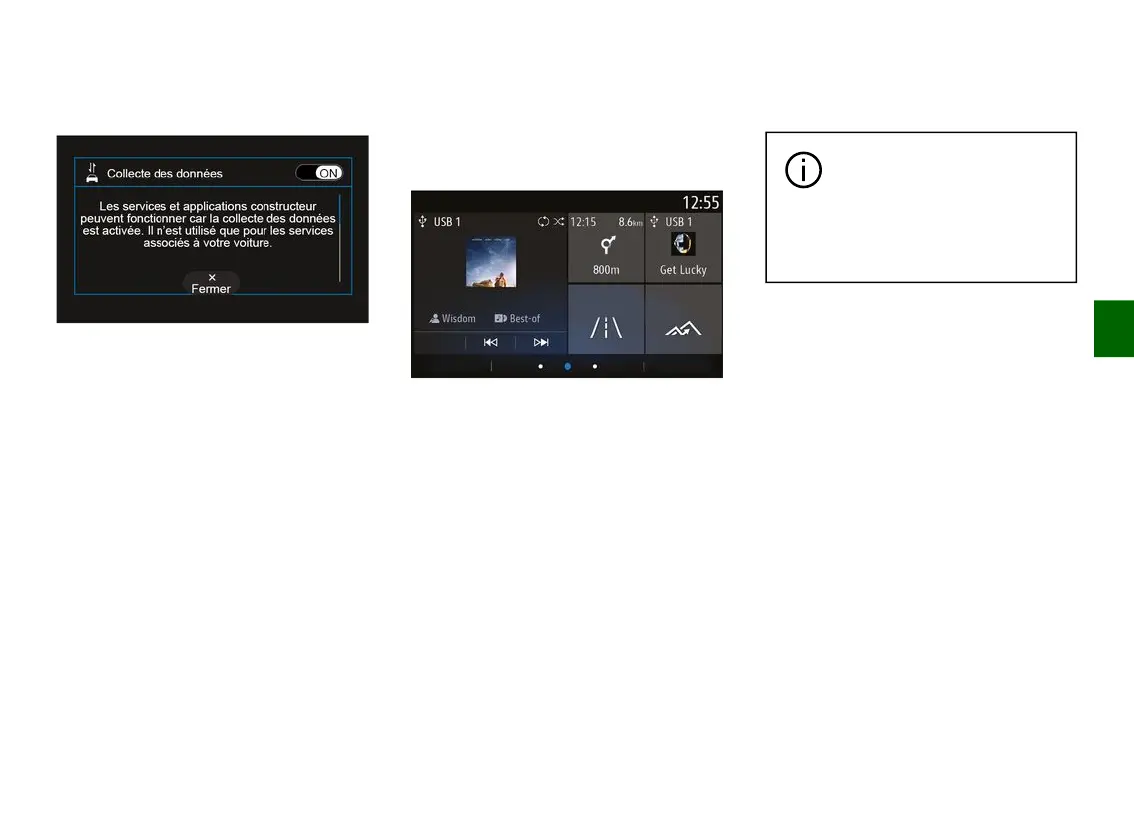
Once your service activation request
has been validated, when you start the
multimedia system you will be asked to
activate or deactivate data collection.
Select "ON" to activate or "OFF" to
deactivate data collection, then press
"OK" to confirm.
Temporary suspension of data
collection
The collection of vehicle data may be
temporarily suspended.
To do this, when starting the vehicle,
set data collection to "OFF".
You can suspend data collection at any
moment by accessing the "Settings"
menu, the "System" tab, the "Devices
manager" menu then the "Data" tab or
by pressing the reception status icon
5
to directly access the "Data" menu.
For more information on the reception
status icon
5
, please see the "System
settings" section.
The services will be disabled, except
for the compulsory safety functions
relating to the automatic emergency
call in the event of an accident.
The manufacturer takes all
the necessary precautions
to ensure that your
personal data is processed in
total security.
Data protection
Data from your vehicle is processed by
the manufacturer, approved
distributors and other entities in the
manufacturer's group. The
manufacturer's details are available on
their website and on the last page of
the vehicle user manual.
Your personal data can be used to:
– obtain and check the data that the
manufacturer holds concerning you;
– correct any inaccurate information;
– remove data concerning you;
– take a copy of your data to reuse it
elsewhere;
– oppose the use of your data at any
time;
– freeze the use of your data.
The customer is also entitled to
oppose the processing of their
personal data, especially if they are
used for sales prospecting or profiling.



 To Next Page