29-EN
Destination Options
The Destination Options Menu allows you to find places nearby, find
alternative routes to get to your destination, set a destination as your
home, save a destination in the address book, and create waypoints.
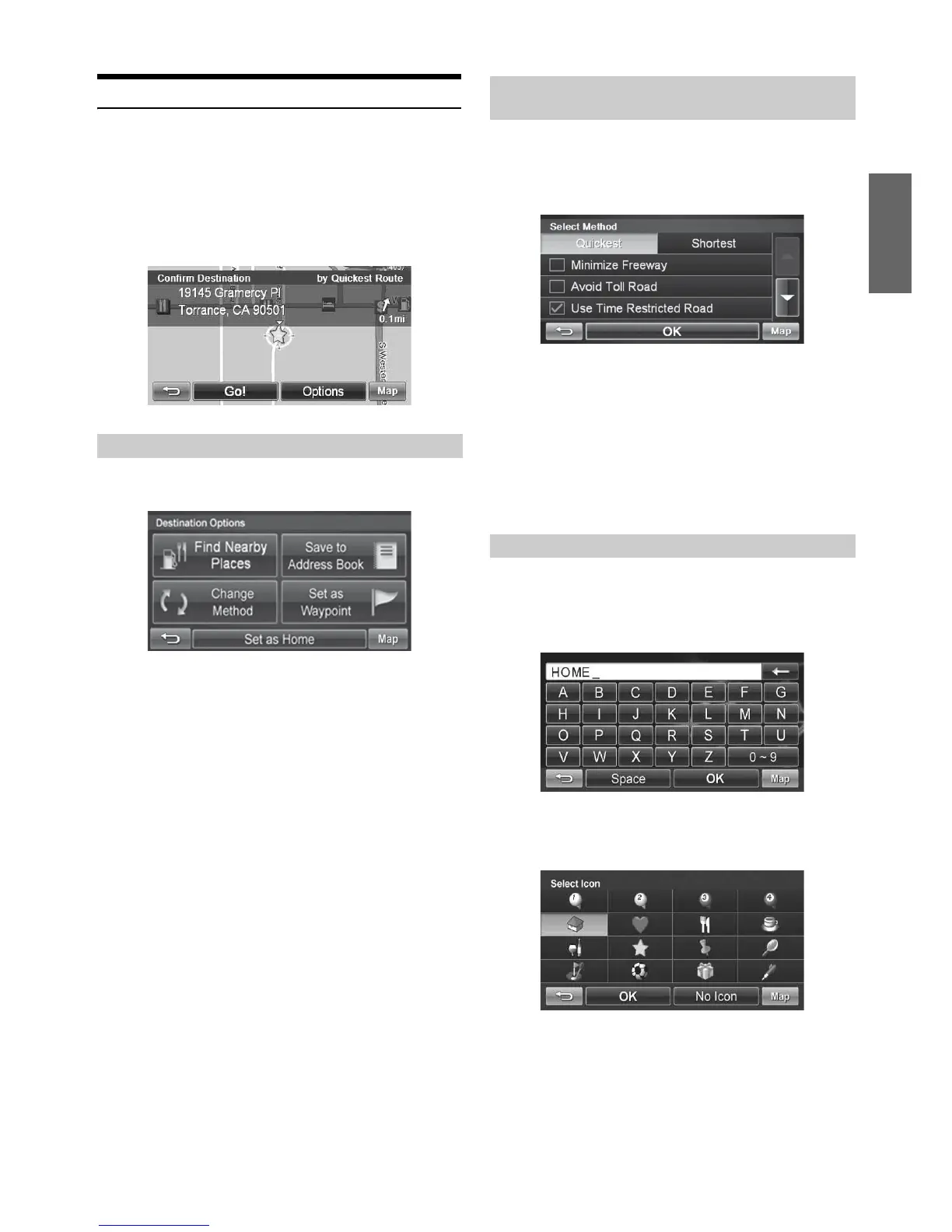
To get to the Destination Options Menu, enter your desired destination
by using the method on pages 24-28 in order to get to the Confirm
Destination Screen.
Select Options.
1
Touch [Find Nearby Places].
2
Select a desired place type.
3
Select a desired place name.
4
Touch [Go!] to calculate the route.
• To find local places directly from the map, go to page 23.
1
Touch [Change Method].
2
Select a method below.
Minimize Freeway
Avoid Toll Road
Use Time Restricted Road
Avoid Ferry
3
Select Quickest or Shortest.
4
Touch [OK].
1
Touch [Set as Home].
2
Touch [OK] or type desired name and touch [OK].
3
Select desire icon. If there is no desired icon, touch
[No Icon].
4
Touch [OK].
Finding Nearby Places
Finding Alternative Routes to the
Destination
Setting a Destination as Home




 To Next Page