31-EN
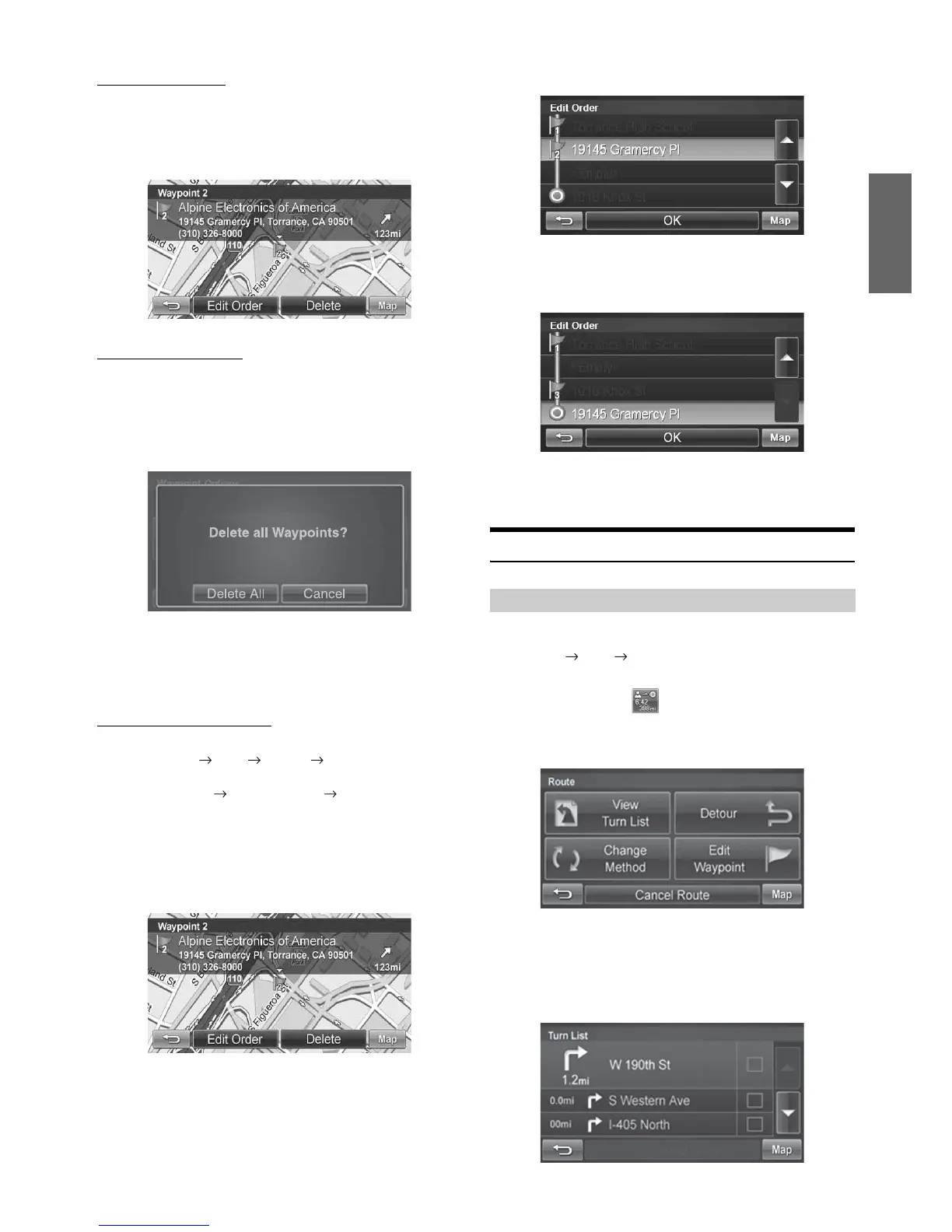
Deleting a Waypoint
1
Select the desired waypoint to delete from the list.
2
Touch [Delete].
Deleting All Waypoints
1
Touch [Options].
2
Touch [Delete All Waypoints]. Touch [Delete All]
to confirm.
3
If all waypoints are deleted, will return to the
waypoint list. To get back to the Map screen, touch
[Map] to get back to the map.
Editing Order of Waypoints
1
Main Menu Info Route Edit Waypoint
or
from the Map Route Button Edit Waypoint
2
At the Waypoint List Screen, select the desired
waypoint to edit.
3
Touch [Edit Order].
4
Use the Up and Down buttons to move the waypoint.
5
Touch [OK] and the system returns to the Waypoint
List screen.
6
Touch [Go!] to calculate the route.
Route
You can view a list of street names and upcoming turns and streets.
Main Menu Info Route
or
directly from the Map
1
Touch [View Turn List].
2
A list of upcoming streets and turns appears on the
screen.
To preview a specific point, select a street name/maneuver
on the list.
Viewing Turn List During Guidance




 To Next Page