20
English
Basic Operation
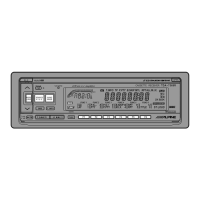
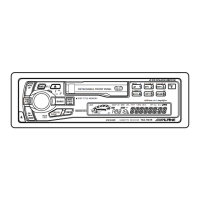
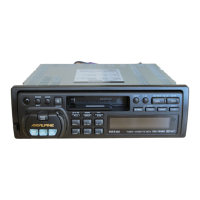
Press the PWR button to turn on the unit.
Note: The unit can be turned on by pressing
any other button except the eject c
button.
The volume level gradually increases to the
previous level you were listening to before the
unit was turned off. Press the PWR button
again to turn off the unit.
1
Turning Power
On and Off
1
NFP ON
NFP OFF
T. INFO
Non Fader Pre-out
(N.F.P.) On and Off
Use the N.F.P. On mode when a non-fading
signal would be most effective. For example, to
drive an amplifier with a low-pass filter for the
subwoofer.
Press and hold the T. INFO button for at least 3
seconds.
With each press, N.F.P. is toggled On or Off.
N.F.P. ON: In this position, the Front Pre-
Output on the TDA-7567R or Rear
Output on the TDR-7565R will not
be affected by the fader. This is
ideal for driving a subwoofer
amplifier.
N.F.P. OFF: Returns to normal fader mode.
Notes:
• Initial mode is "NFP OFF."
• Set the N.F.P. to OFF unless the subwoofer is
used.
• If an optional Processor with subwoofer
output is connected via the Ai-NET bus, this
button will turn that output ON or OFF.
INTLZ
PWR



 To Next Page