68
English
Cassette Player
Operation
2
Normal Play
1
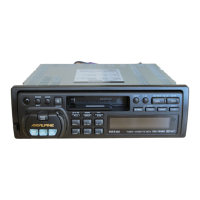
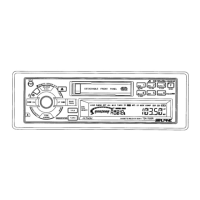
Insert a cassette (or press the source button to
switch from the tuner or CD Shuttle mode if a
cassette is already inside the tape player). The
player begins playback. The display shows
"TAPE" and "
or " during tape playback to
show the tape side being played. When the end
of the tape is reached, the unit automatically
stops and reverses the tape to play the other
side of the tape.
Press the Eject (c) button to stop the tape play
and eject the cassette. The tape-direction
indicator disappears.
TAPE



 To Next Page