26
English
Basic Operation
Adjusting
Volume/Bass/Treble/
Balance/Fader
Press the MODE button repeatedly to choose
the desired mode.
Notes: • If the ∨ or ∧ button is not pressed in 5
seconds after selecting the BASS,
TREBLE, BALANCE and FADER
modes, the unit automatically sets in
the VOLUME mode.
• When the NFP is set to ON, the level
of the subwoofer can be adjusted.
BASS
TREBLE
BALANCE
FADER
MODE
LOUD
1
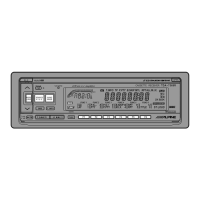
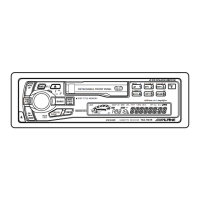
(TDA-7567R)
MODE
(TDA-7565R)
2
Press the 5 and 6 buttons until the desired
sound is obtained in each mode.
Notes: The settings of the Bass and Treble will
be individually memorized for each
source (FM, MW, LW and tape) until
the setting is changed.
Depending on the connected devices,
some functions and display indications
do not work.
VOLUME



 To Next Page