36
English
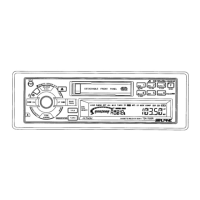
Radio Operation
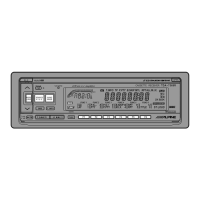
Press the SOURCE button until a radio
frequency appears in the display.
1
Manual Tuning
90.10
Press the BAND button repeatedly until the
desired radio band is displayed.
F 1
F 2
F3
MW
LW
Press the TUNE button repeatedly until "DX
SEEK" and "SEEK" disappears from the
display.
Note: The initial mode is DX SEEK.
3
(OFF)
DX SEEK
SEEK
4
Press the DN or UP button to move downward
or upward one step respectively until the
desired station frequency is displayed.
Note: The ST indicator appears on the display
when a Stereo FM station is tuned in. If
the stereo FM signal becomes weak, the
ST indicator disappears and the unit
automatically switches the mode from
stereo to monaural to reduce the noise.
When the signal becomes strong
enough, the unit automatically switches
back to the stereo mode.
SOURCE
A. S. U.
BAND
PROG
A. ME
TUNE
UP
DN
F1 90.10
TAPE
2



 To Next Page