56
EnglishEnglish
RDS Operation
RDS Operation
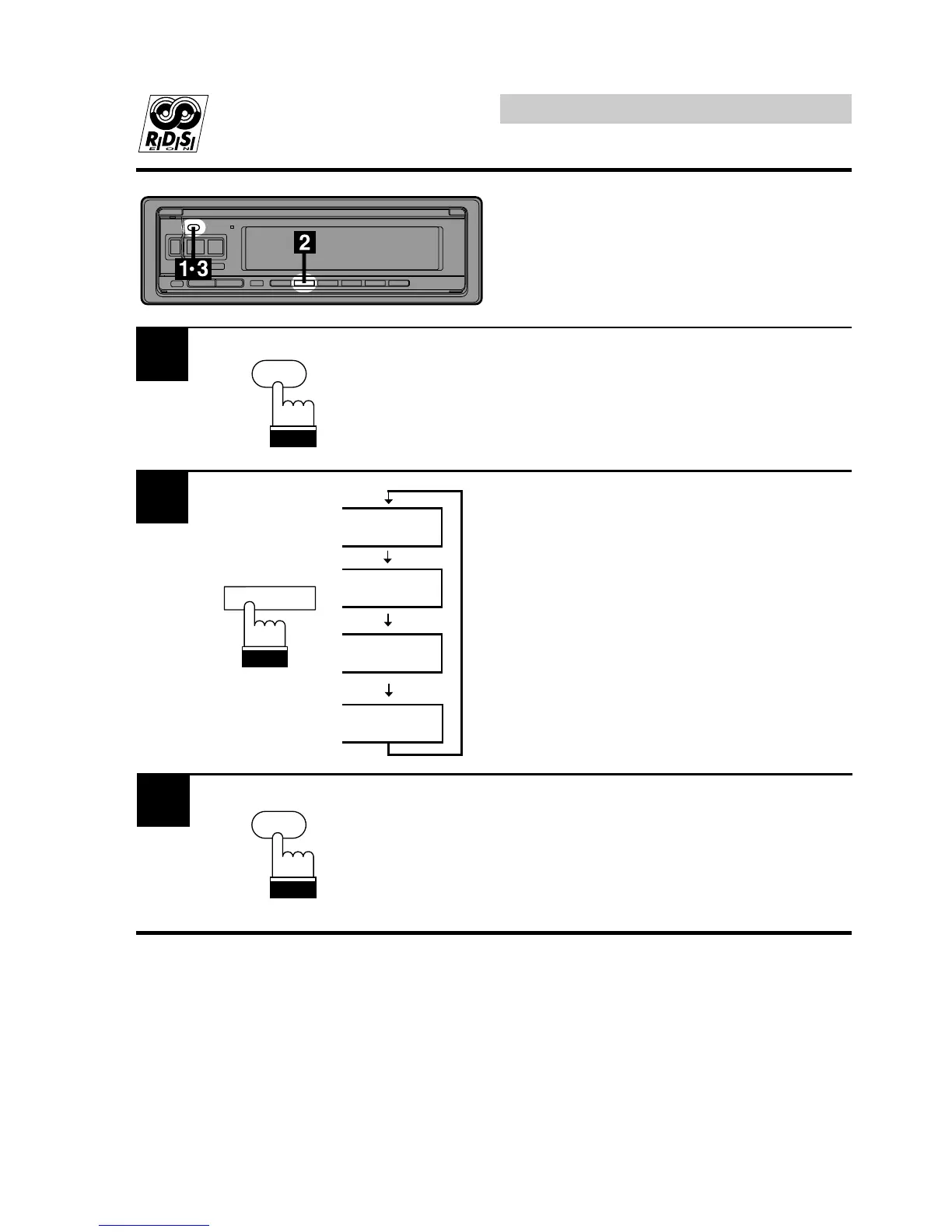
TA-LV 4
TA-LV 3
TA-LV 2
TA-LV 1
1
2
Presetting Volume Level
for Traffic Information
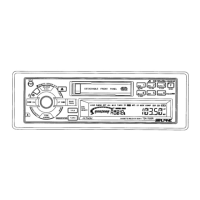
Press and hold the INT button for at least 3
seconds to activate the setting mode.
Press the F2 button repeatedly until the desired
volume level is obtained.
Press the INT button again to preset the
selected volume level for the traffic information
listening.
When a traffic information broadcast starts, the
unit automatically adjusts the volume to the
preset level.
3
F2
INTLZ
PWR
INTLZ
PWR



 To Next Page