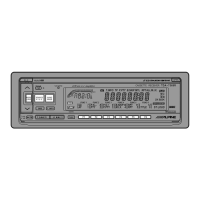
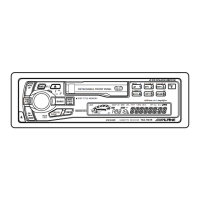
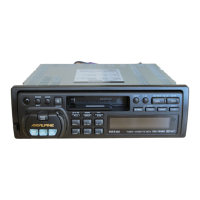
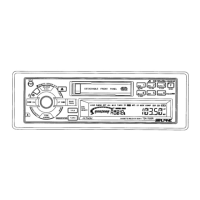
Press the OPEN button to open the front door.
The cassette compartment is located behind
the front door.
OPEN
TAPE
Press the Eject (c) button when you want to
eject the cassette tape.
Notes:
1. When power is turned off or the front panel
is removed, the full-logic mechanism will
automatically switch to the PAUSE mode.
This protects the tape from being deformed
by the pinch-rollers if left for long periods.
2. Auto Metal
When a metal cassette tape is inserted, the
player automatically adjusts to the equaliza-
tion for metal or any other high bias tape for
optimum sound.
The display shows "MTL."
To close the front door, gently push the front
door until it locks.
Insert a cassette tape into the slot with the open
side facing right. When the cassette is loaded,
the player automatically starts tape playback
and indicates "TAPE" in the display.
2
Inserting/Ejecting Cas-
sette
3



 To Next Page