94
English
CD Shuttle Operation
1
Searching for Titled Discs
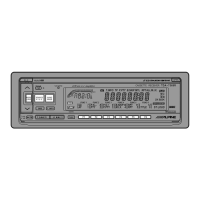
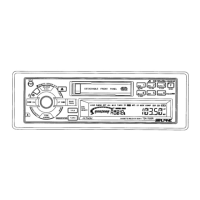
Press the FUNC button repeatedly until the
FUNC indicator illuminates in the display.
FUNC
FUNC
2
Press the F6 button to activate the Title Display
mode.
F6
3
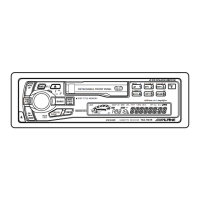
Press and hold the BAND button for at least 2
seconds while the title is displayed. The title in
memory blinks in the display.
BAND
PROG
ALPINE
4
Press the g DN or UP f button to select
the desired disc title.
DN
UP
Press the BAND button to play the selected
disc.
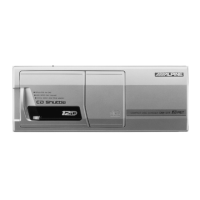
The unit will automatically search for the disc
and will play that disc.
BAND
PROG
FUNC
6
Press the FUNC button repeatedly until the
FUNC indicator disappears from the display.
5



 To Next Page