Cyclone V GX Starter Kit
User Manual
2
2
.
.
3
3
S
S
w
w
i
i
t
t
c
c
h
h
e
e
s
s
a
a
n
n
d
d
P
P
u
u
s
s
h
h
-
-
b
b
u
u
t
t
t
t
o
o
n
n
s
s
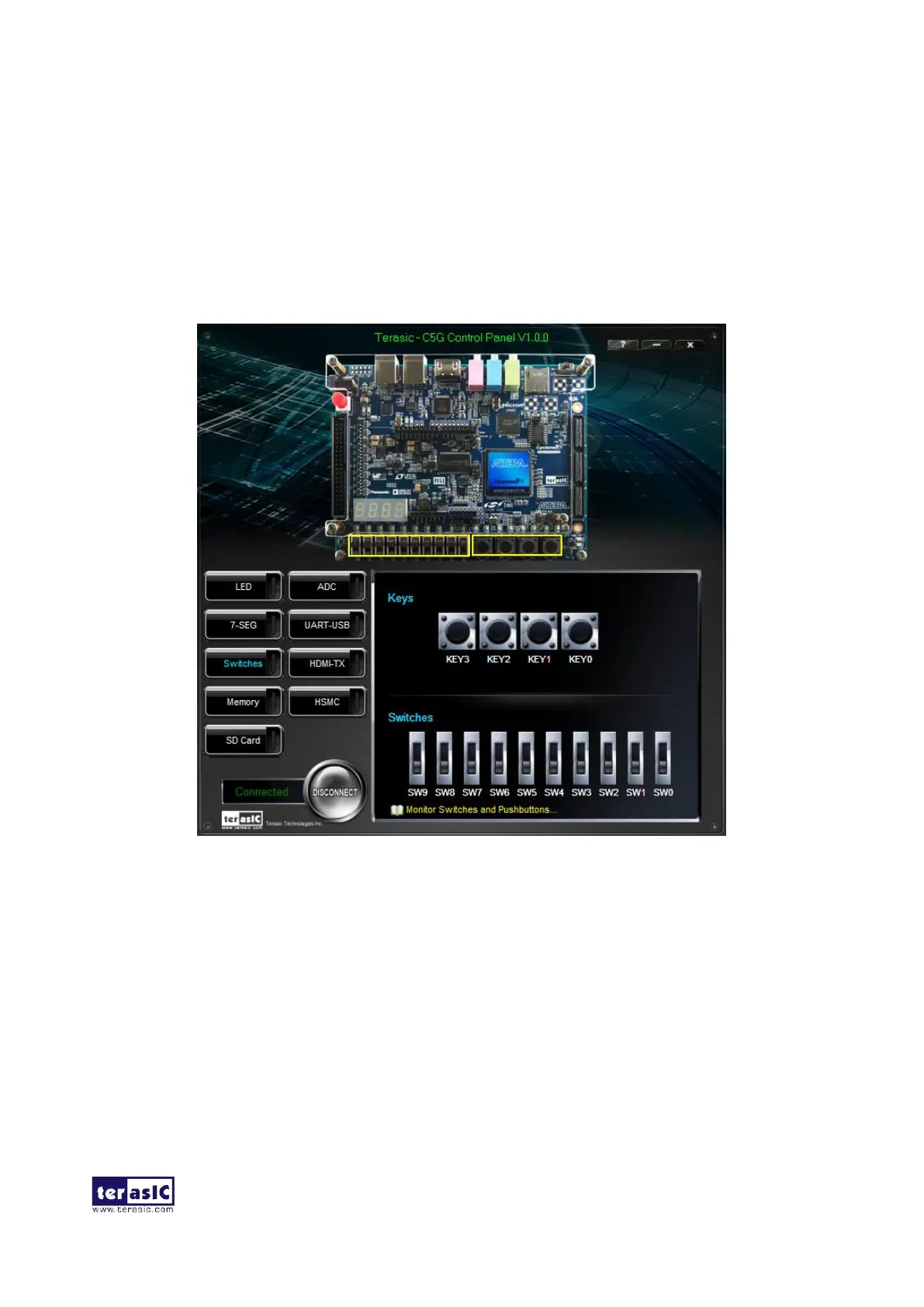
Choosing the Switches tab leads to the window in Figure 2-5. The function is designed to monitor
the status of slide switches and push buttons in real time and show the status in a graphical user
interface. It can be used to verify the functionality of the slide switches and push-buttons.
Figure 2-5 Monitoring switches and buttons
The ability to check the status of push-button and slide switch is not needed in typical design
activities. However, it provides users a simple mechanism to verify if the buttons and switches are
functioning correctly. Thus, it can be used for troubleshooting purposes.



 To Next Page