12
(4.2) Stereo-Link™: Connecting Two Speakers
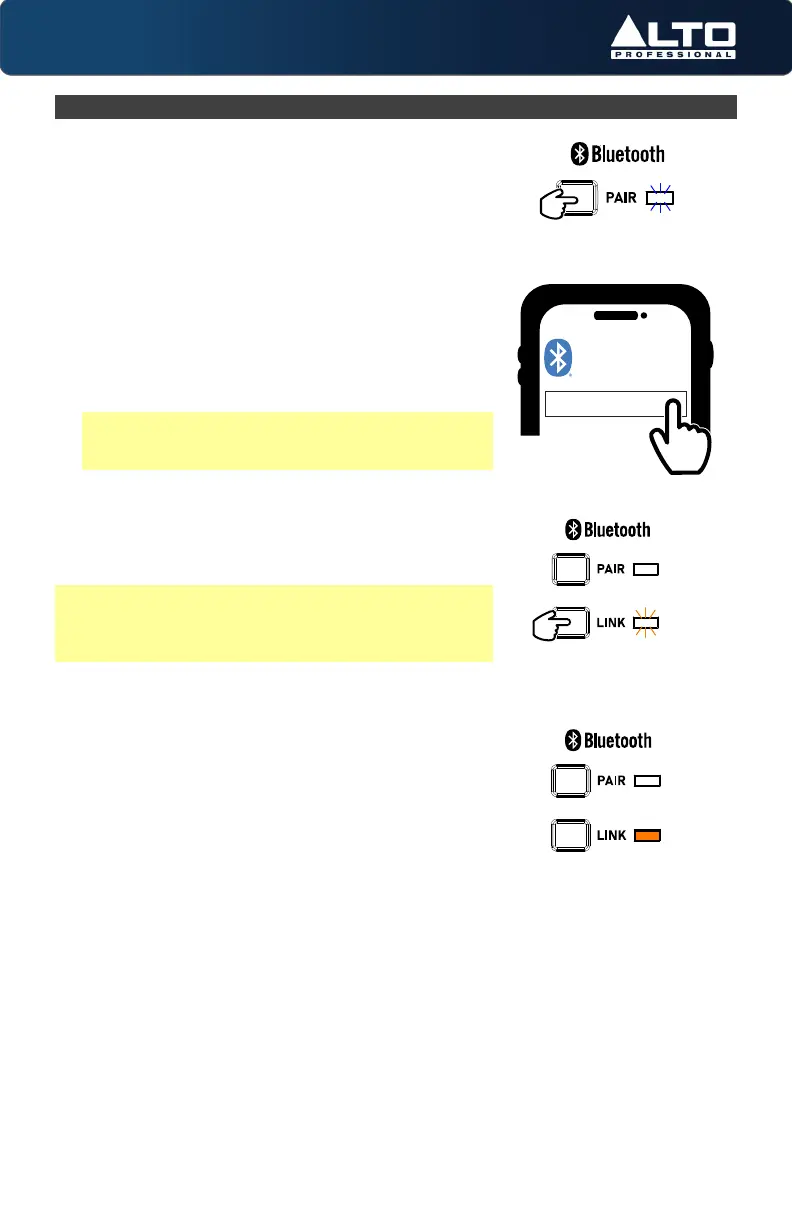
1. Power on both Busker speakers by using the
power switches.
2. Follow the steps in the section (4.1) Operation >
Pairing a Bluetooth® Device.
3. Press and hold the Link button for 3 seconds on
primary (Left) speaker, then release it. Then press
the Link button for 3 seconds on the secondary
(Right) speaker, and release it. Both Link LEDs will
blink, and a linking tone will sound while each
speaker searches for the other.
4. When the speakers are successfully linked, each
speaker will produce a confirmation tone and the
Link LEDs on both units will be lit solid.
Note: The default linking process enables stereo
playback by providing half of the stereo audio
signal to each speaker.
To erase Stereo-Link™ settings on both units, press
and hold the Link button on the primary (Left)
speaker for 10 seconds. A confirmation tone will
sound to indicate that link settings have been erased.
Note: Two previously linked Busker speakers will
automatically reconnect when they are powered on
and within range until you manually disconnect from
the speakers or through the ALTO Pro App.
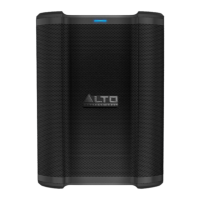
ALTO BUSKER
BLUETOOTH
Press and hold
Press and hold


 To Next Page