Section 5 • Infusion History Reports
49
5.2 ClearingPumpInfusionHistory.
CAUTION: Do not clear the infusion history unless the pump is being used for a new
patient, as doing so will allow a bolus or dose immediately, resulting in over-
infusion.
NOTE: The infusion history must be cleared between patients or when the reservoir bag
has been changed.
NOTE: The pump must be unlocked for programming, reprogramming and clearing
infusion history.
NOTE: When attempting to clear the pump infusion history, “LOC” will appear in the
pump display if the pump program is in lockout mode (see Section 6 – “Patient
Lockout”).
NOTE: The BOLUS button on the pump must be used to clear the infusion history (the
remote BOLUS switch cannot be used).
Toclearthepumpinfusionhistory:
Step#1
Place the pump in pause mode.
Step#2
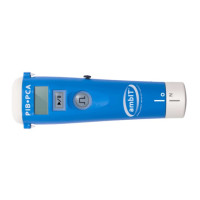
Press and hold the BOLUS button for two seconds until one beep is heard and “HX” is
displayed.
Step#3
When “HX” is displayed, release the BOLUS button and immediately press and hold the
BOLUS button again until the pump beeps and “HX 0” appears in the pump display. This
indicates the infusion history has been cleared.


 To Next Page