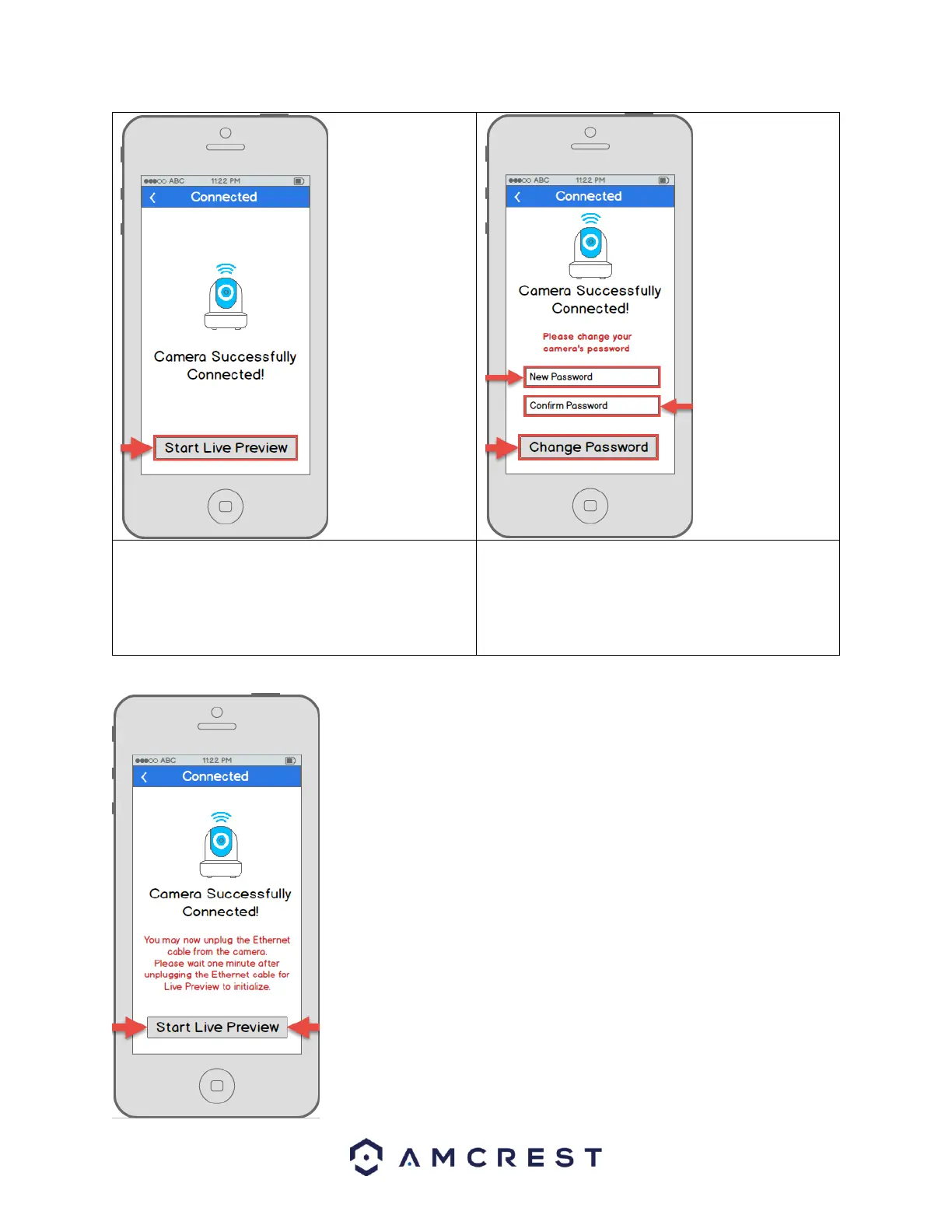
13. To ensure the security of your camera, you will be
asked to change the password for your camera’s
default username (admin). Please select a
password that is at least 8 characters long and
one that uses a combination of uppercase letters,
lowercase letters, and numbers.
14. Your camera is now ready to go! Unplug the camera from Ethernet and
power, then relocate the camera to anywhere within range of the WiFi network
that you connected the camera to. Plug in the camera, then wait 1-2 minutes
before tapping the Start Live Preview button.















 To Next Page