22
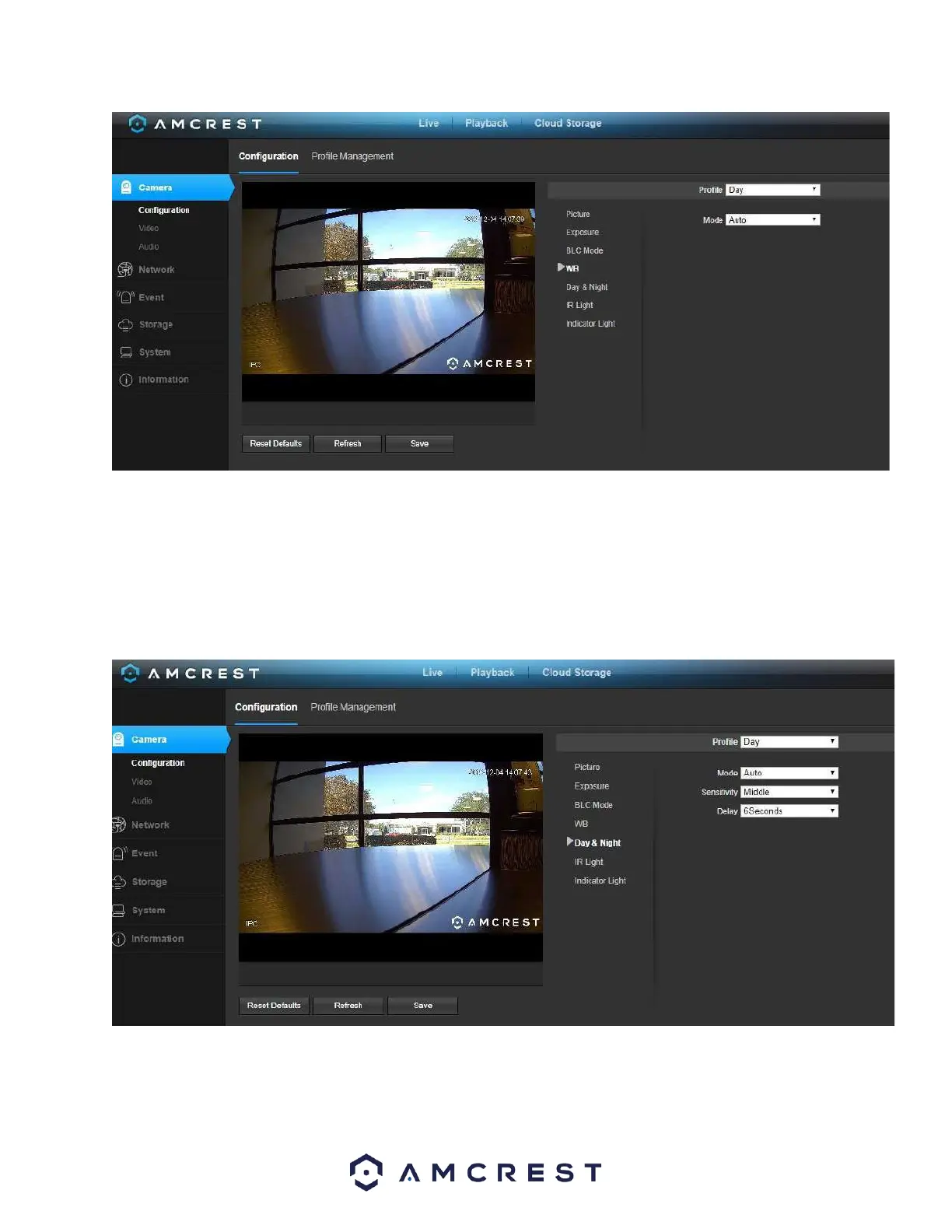
To reset to default settings, click the Reset Defaults button. To refresh the screen, click on Refresh. To save the
settings, click the Save button.
Day & Night
Used to determine when black and white mode is turned on in a dark environment.
Below is a screenshot of this menu:
• Color - always represents picture in color, does not use IR or black and white mode. Performs poorly in dimly lit
areas unless you are using the Starlight series cameras.
• Auto - Uses D&N Sensitivity setting to change between color mode and infrared and black and white mode.














 To Next Page