42
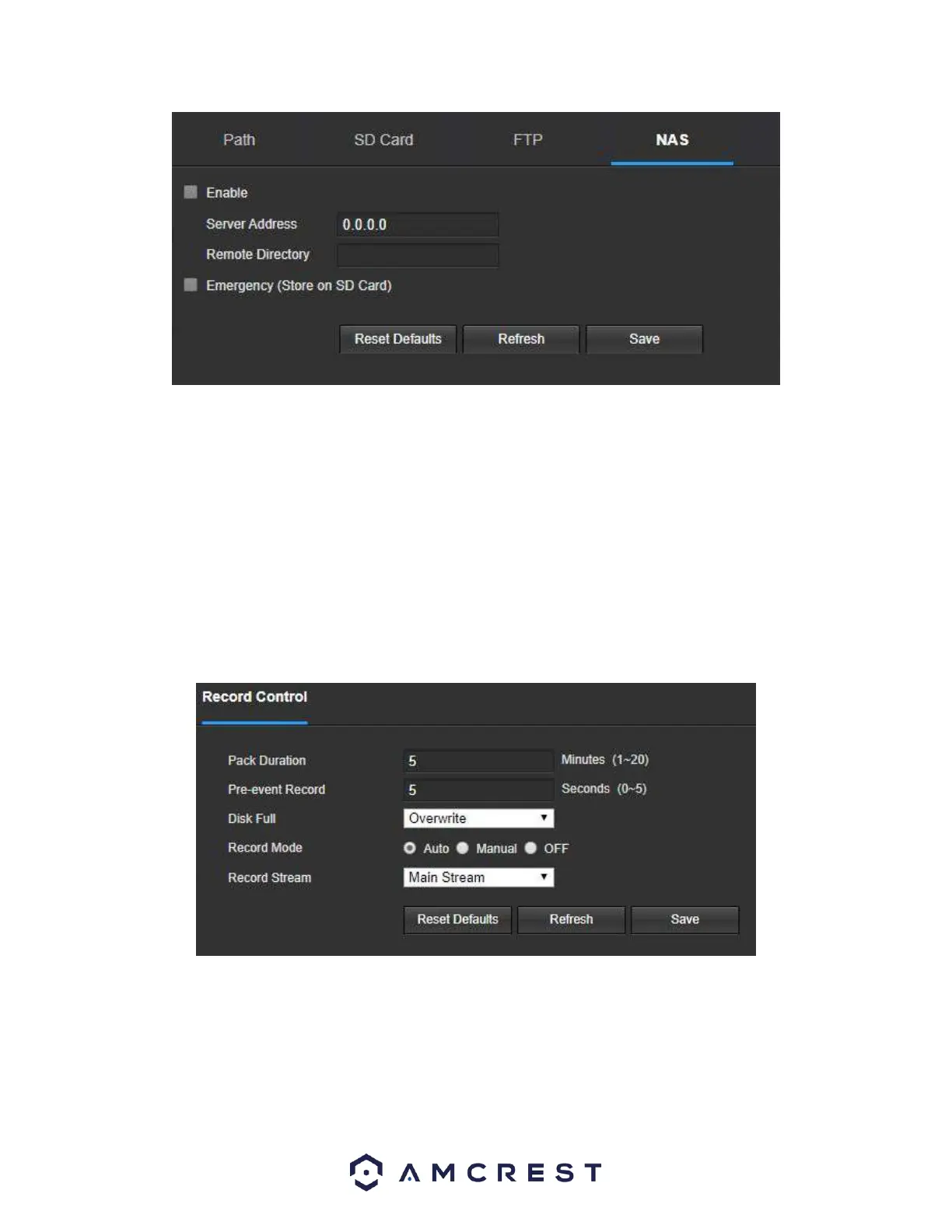
Below is an explanation of the fields on the NAS settings tab:
• Enable: This checkbox allows the user to enable NAS uploading for the camera’s recorded media. • Server
Address: This field allows the user to designate a DDNS address for the NAS server/device.
• Remote Directory: This field allows the user to specify a remote directory on the NAS to send the recorded media
to.
To reset to default settings, click the Reset Defaults button. To refresh the page, click the Refresh button. To save
the settings, click the Save button.
Record Control
This menu is where general recording settings are configured. Below is a screenshot of the record control menu:
Below is an explanation of the fields on the Record Control settings tab:
• Pack Duration: This field allows the user to set how many minutes each file is comprised of.
• Pre-event Record: This field allows the user to specify how many seconds before an event should be recorded.
Disk Full: This dropdown box allows the user to designate what the camera should do when the disk is full. There
are 2 options: Overwrite or Stop.















 To Next Page