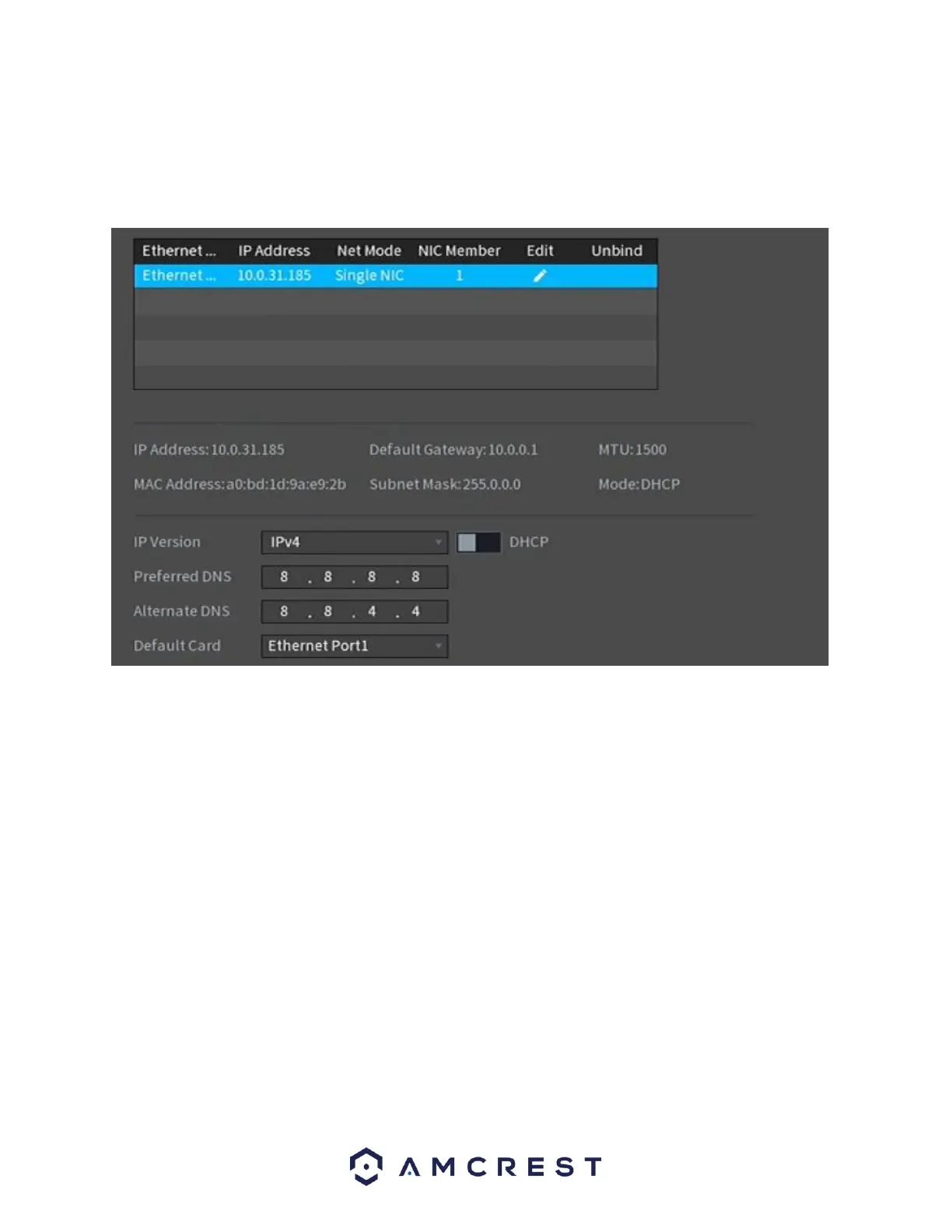
Click the Test to test the overall health and status of your network connection once complete,
click the Back button to return to the previous menu.
To continue with the startup wizard, click Next.
P2P
The next screen that appears is the P2P screen. This screen allows you to connect your NVR to
your mobile device via the Amcrest View Pro app. The P2P status should read as “Online”. To
download the app, use your mobile device’s camera and scan the Cell Phone Client QR code.
When using the app, use the SN QR Code for quick access to the serial number for your NVR.


 To Next Page