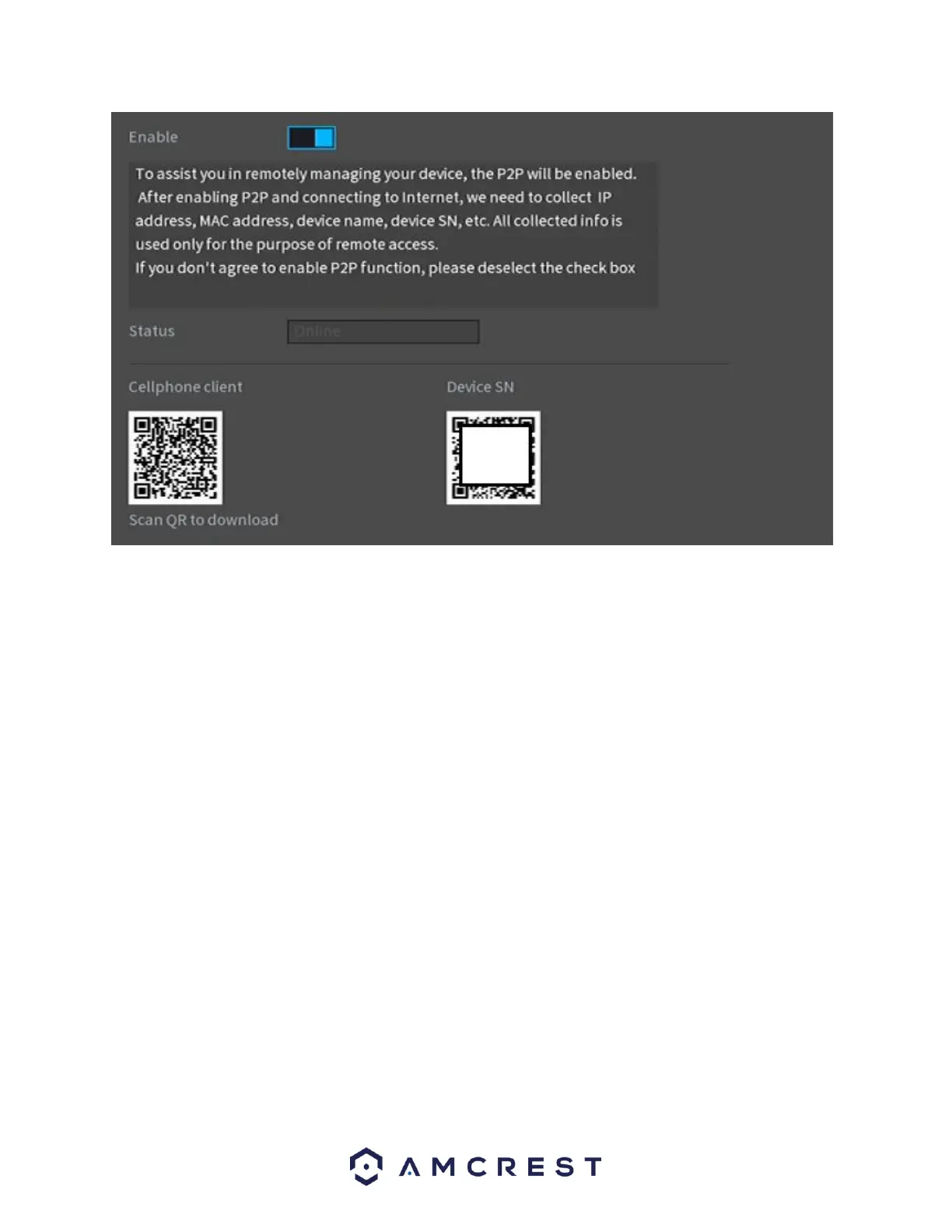
Click the Next to continue.
Camera Registration
The next screen that appears is the Camera Registration screen. This is where you can begin
adding cameras to the NVR. If the cameras are not directly connected to the back of the NVR,
please make sure they are active and on the same network as the NVR before proceeding.
To begin adding a device, click on Device Search to allow the NVR to scan for connected devices
on your network.



 To Next Page